
Photo Quality Guides
Learn how to improve photo quality without overprocessing, choose enhancement or upscaling, and check whether a result is worth keeping.
Which photo problem are you trying to solve?
Start with the source image and its destination. A quality problem and a size problem need different decisions; these guides help you choose a task and inspect the result.
- My photo looks noisy, flat or unnatural. Follow the natural enhancement workflow and the checklist for faces, text and texture.
- I am not sure whether to enhance or upscale. Compare the two tasks, calculate 2× and 4× dimensions, and avoid unnecessary processing.
Keep an untouched original. AI-generated detail is an estimate, not proof of missing words, identity or historical facts. The examples in these guides are illustrative, not model benchmarks.
Photo editing guides

How to Enhance Photo Quality Without Making It Look Artificial
Improve photo clarity, noise and tone with a practical review checklist. Learn when to enhance, when to upscale, and when to keep the original.
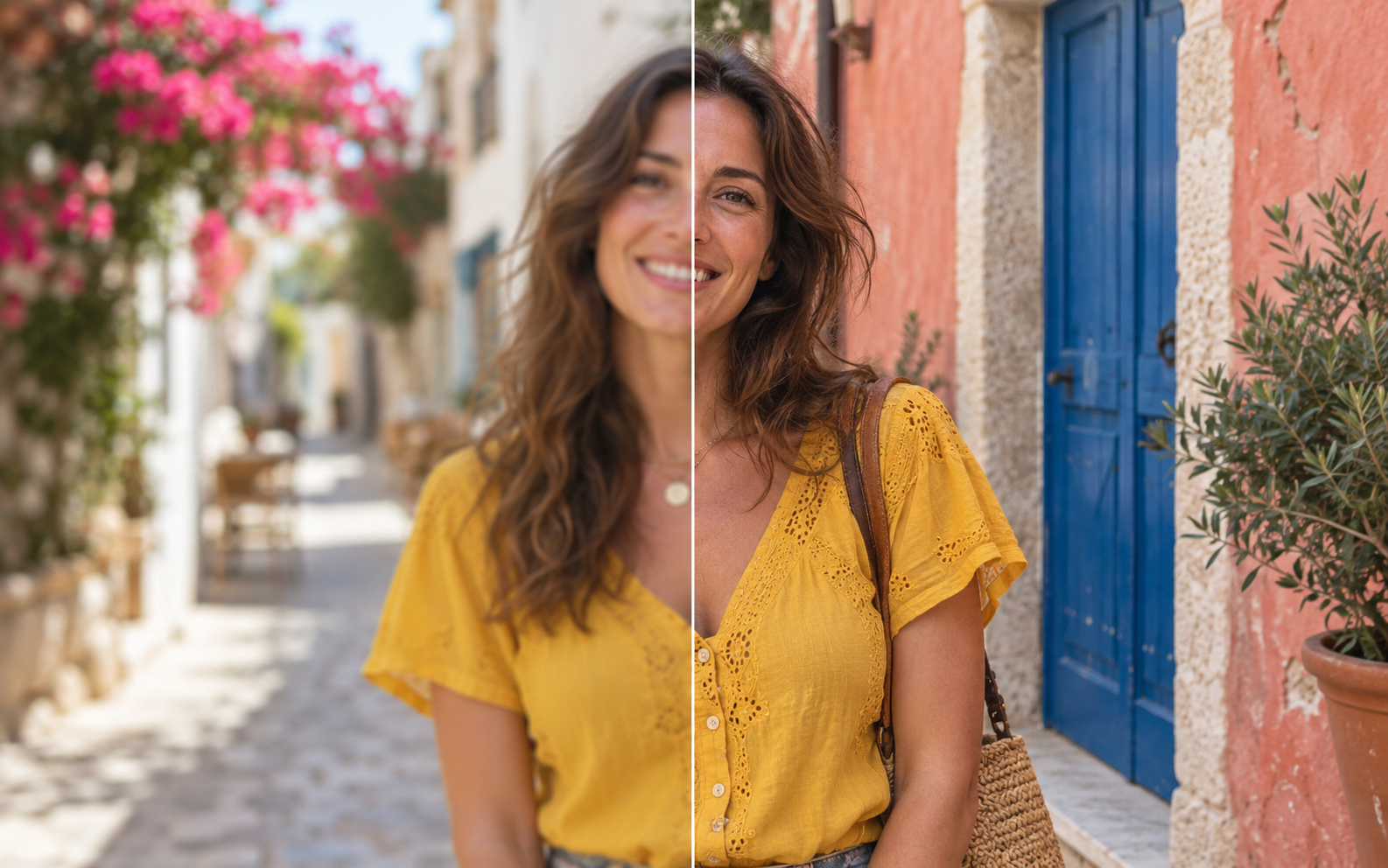
Photo Enhancer vs Image Upscaler: Which Should You Use?
Photo enhancement improves appearance; upscaling increases pixel dimensions. Compare use cases, 2× and 4× calculations, and when to use both.
About the MyEnhancer editorial team
MyEnhancer Editorial is the shared publishing name for the photo guides on this site. These guides explain how to choose and use MyEnhancer’s photo tools, inspect changes, and keep the original image. The byline identifies the product’s editorial content; it is not an independent review or a claim of professional certification.
What our guides cover
Our focus is photo enhancement, enlargement, deblurring, old-photo repair and colorization. The guides combine practical workflows, product limits and image-review checklists. They do not establish the identity, wording or historical details missing from a photograph.
How to read our examples and sources
Product instructions describe the available tool options and their limits. Numerical examples show calculations, not measured image quality. Illustrative comparisons explain a visual difference; they are not benchmarks. Claims about actual processing need an identifiable input, output and settings. References support the specific principle cited, not an endorsement of MyEnhancer.
Report an error or an unclear instruction
Send the article URL, the paragraph in question and what appears incorrect. Include the tool option and displayed dimensions if relevant. Please do not resend private photos, payment details or account credentials. Feedback helps identify what needs checking; submitting a report does not guarantee a particular correction or response time.
Available live chat can be used without signing in; support tickets require an account.