
Unblur Images Free Online – No Sign Up
Use the Unblur Image tool to reduce mild camera shake, focus blur and softness in a photo or picture. Compare the original with the AI-deblurred result before download.
Make your photos clearer
Select model
Standard version
Photo privacy before you upload
Processing sends your photo and selected settings to third-party image services. Photos are not published in a public gallery.
Third-party retention periods, training use and processing regions have not been verified. We cannot promise immediate deletion or that images are never used for training. Avoid uploading sensitive photos if you need these guarantees.
Selecting a photo may save a working copy in this browser for task recovery. Closing the tab does not request deletion from processing services.
Read the privacy policy · Contact support about data deletion
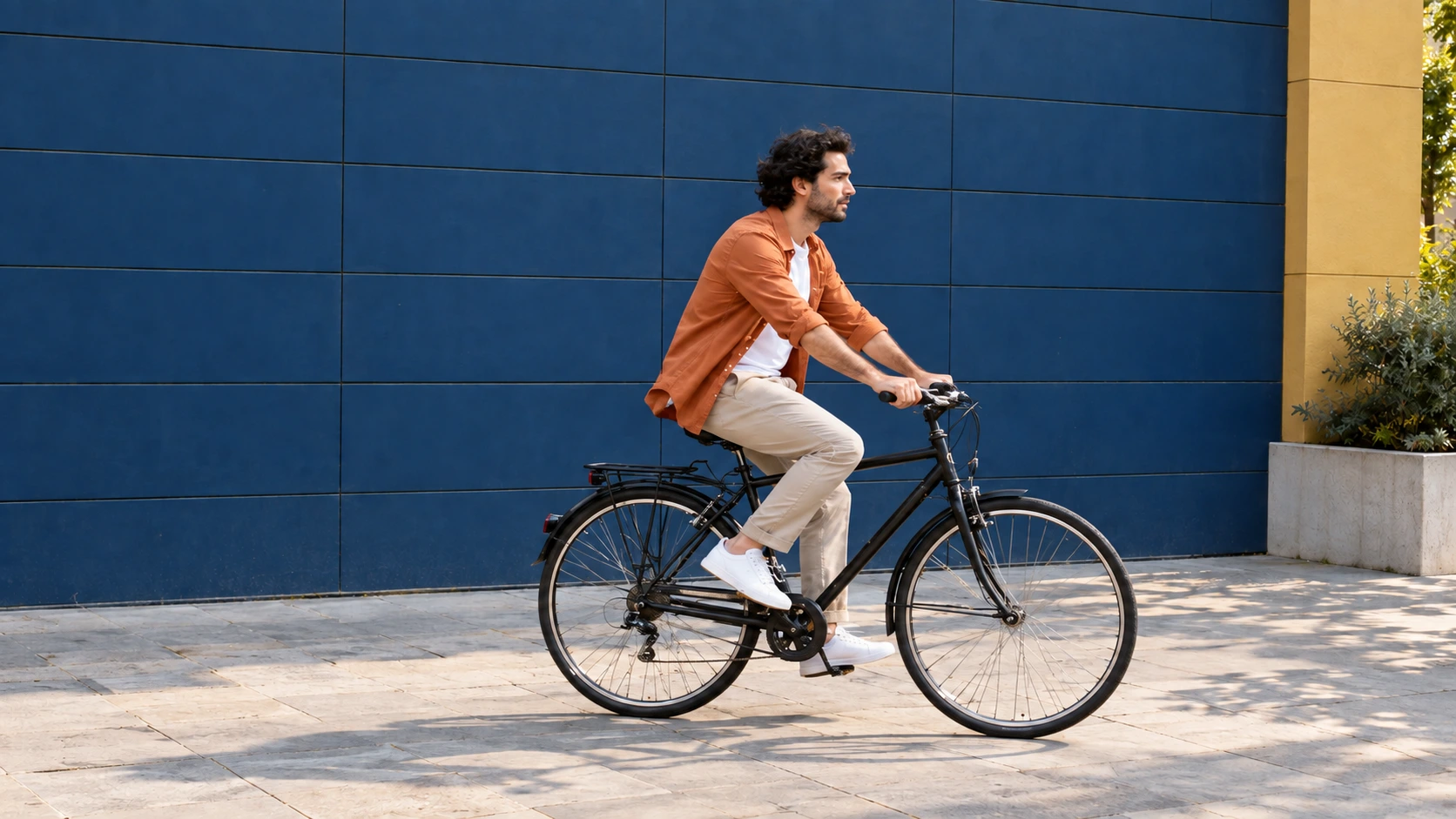
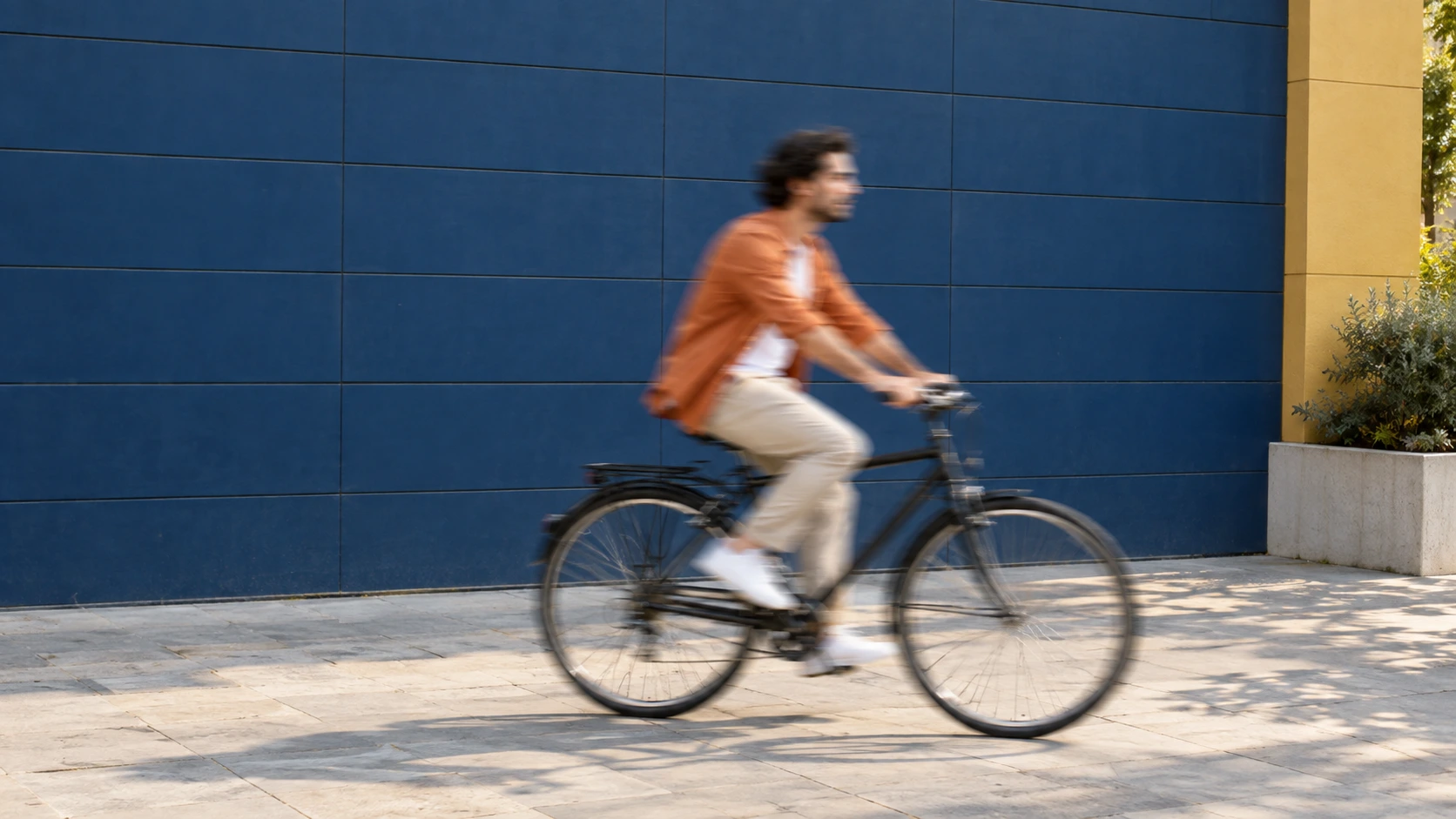
Sign in to use daily free credits for single-image Standard unblur. Pro and batches require purchased or subscription credits. Check the cost and available balance before processing.
How to Unblur an Image
- 01
Upload a blurry image
Choose your highest-quality supported static image. The tool automatically fits a processing copy to the selected version; check its dimensions before confirming the task.
- 02
Process mild blur with AI
Confirm the version and displayed cost before processing. AI may improve mild blur where recognizable details remain; it cannot guarantee that blur will be removed. Review the result before upscaling if needed.
- 03
Compare results and download
Compare faces, text and fine edges with the original, then download when you are happy with the result. Once details are clear, no further processing is needed.
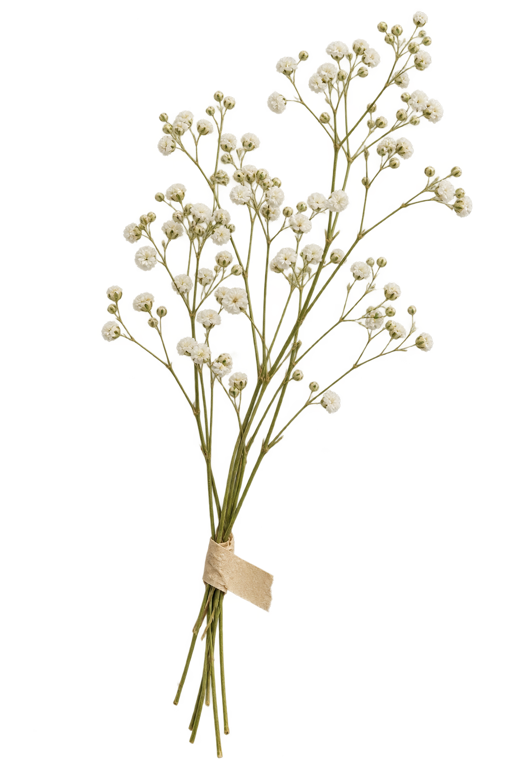
 Unblurred
What is AI image unblurring?
MyEnhancer Unblur Image can improve mild camera shake, short motion trails and slight missed focus when recognizable detail remains. It cannot reliably recover severely blurred or covered information. Check faces and text against the source; plausible generated details are not verified facts.
| Version | Processing copy | Credits per image |
|---|---|---|
| Standard | Up to 2 MPLong edge ≤2560 px; short edge ≤1440 px. | 2 credits |
| Pro | Up to 8 MP | 8 credits |
Rates shown apply after sign-in. The table describes processing versions, not subscription plans. Check the tool’s quote before starting.
- Output and limits
- Output keeps the automatically fitted processing copy’s dimensions without upscaling. For a larger image, review the unblurred result before using Image Upscaler.
Image-restoration research distinguishes perceptual realism from reconstruction accuracy. Blau & Michaeli, The Perception-Distortion Tradeoff (CVPR 2018). This is research background, not a quality test of this tool.
- Import and download
- Import static images up to 32 MiB / 100 MP. A processing copy is automatically resized to the selected version and kept within 10 MiB. Download PNG, JPG or WebP.
- Free credits and paid options
- Available daily credits cover eligible single-image Standard processing. Sign in for Standard tools beyond guest Enhance and 2× Upscale. Pro and batches require purchased or subscription credits. Check the tool’s availability, eligible balance and exact cost before processing.
Maintained by MyEnhancer. Local content review: . How we check this content
Should you sharpen, unblur or upscale?
Choose the operation for the main problem. You do not need to run every step; review each result before further processing.
| Main problem | Choose first | What to keep in mind |
|---|---|---|
| Focused edges look slightly soft | Manual sharpening in an image editor | Raises edge contrast; it cannot restore missing detail. Too much can produce halos or noise. |
| Mild shake, short motion blur or slight missed focus | Unblur Image | May improve recognizable detail. Severe blur, hidden text and missing facial details cannot be reliably recovered. |
| Too few pixels for a larger display or print | Image Upscaler | Increases pixel dimensions and estimates detail. Larger dimensions do not prove that reconstructed text or faces are accurate. |
Manual sharpening is an editing technique, not a separate tool offered on this site. The tools do not automatically diagnose the type of blur. Adobe: what sharpening does and its limits.
Keep the photos you love, with more clarity
Handheld shot blurred, focus missed, or a favorite photo too soft to share? See how these everyday situations can be improved.
Illustrative examples. Actual results vary by source image.
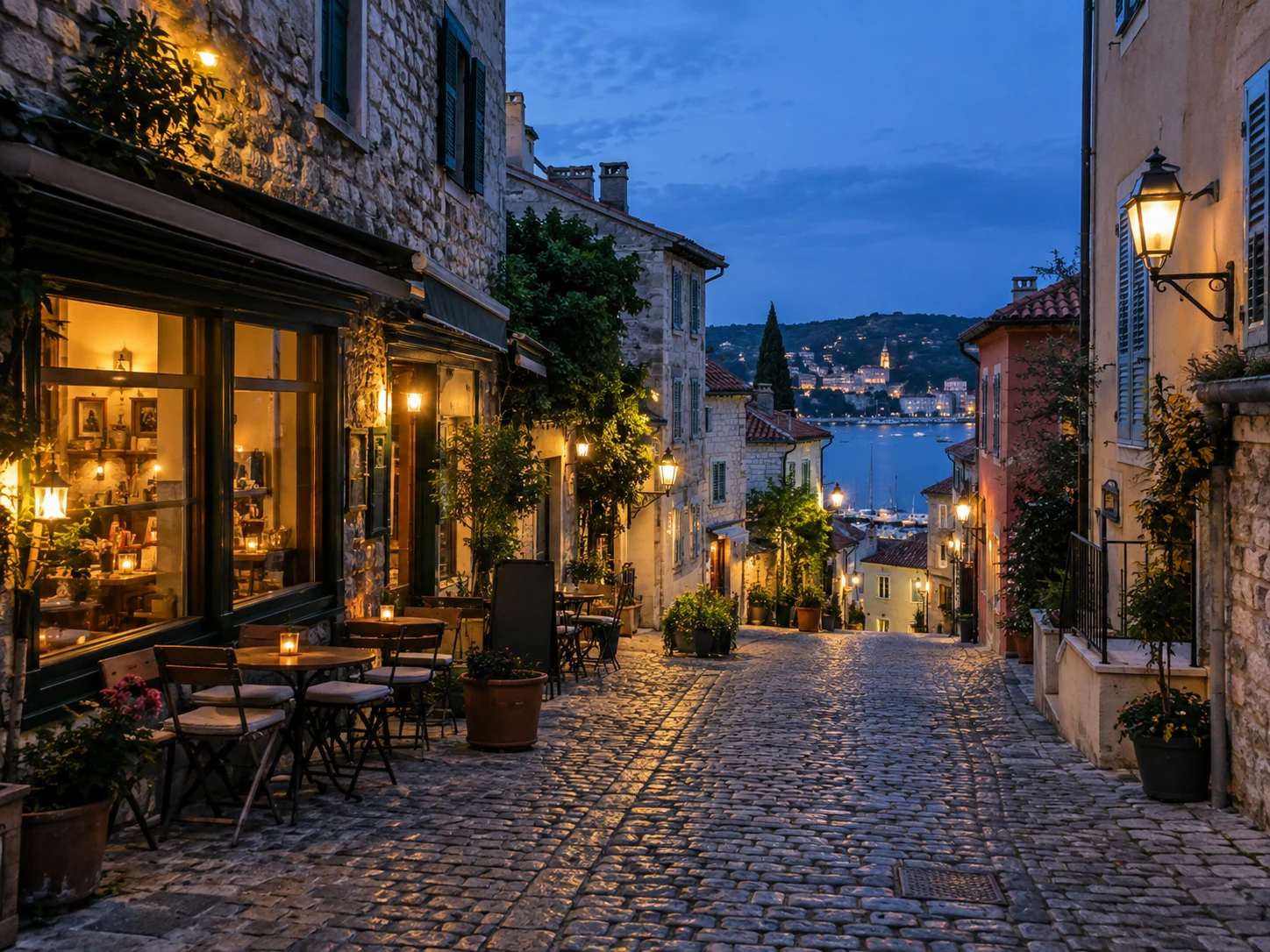
Bring clarity to handheld shots
Indoor light or an evening snapshot can leave a handheld photo soft. Reduce mild camera shake for clearer outlines and edges, helping you keep a moment that is hard to retake.


Clear up photos before sharing
Love the expression and atmosphere, but notice the photo looks blurry? Improve clarity before posting or sending it to friends, so the moment you want to share is easier to see.


Make natural expressions easier to see
A favorite expression is hard to retake when faces look soft in a selfie or group photo. Enhance visible eye, hair and facial details for a clearer smile and a natural look.

Bring a missed subject into clearer view
Focused on the background while photographing food, flowers or a small object? Improve slight defocus on the subject for more defined edges and surface textures in your close-up.
Why is your photo blurry? Compare three common causes
Look at where the blur appears and the shape it takes to identify mild blur worth trying to improve.
Illustrative examples. Actual results vary by source image.
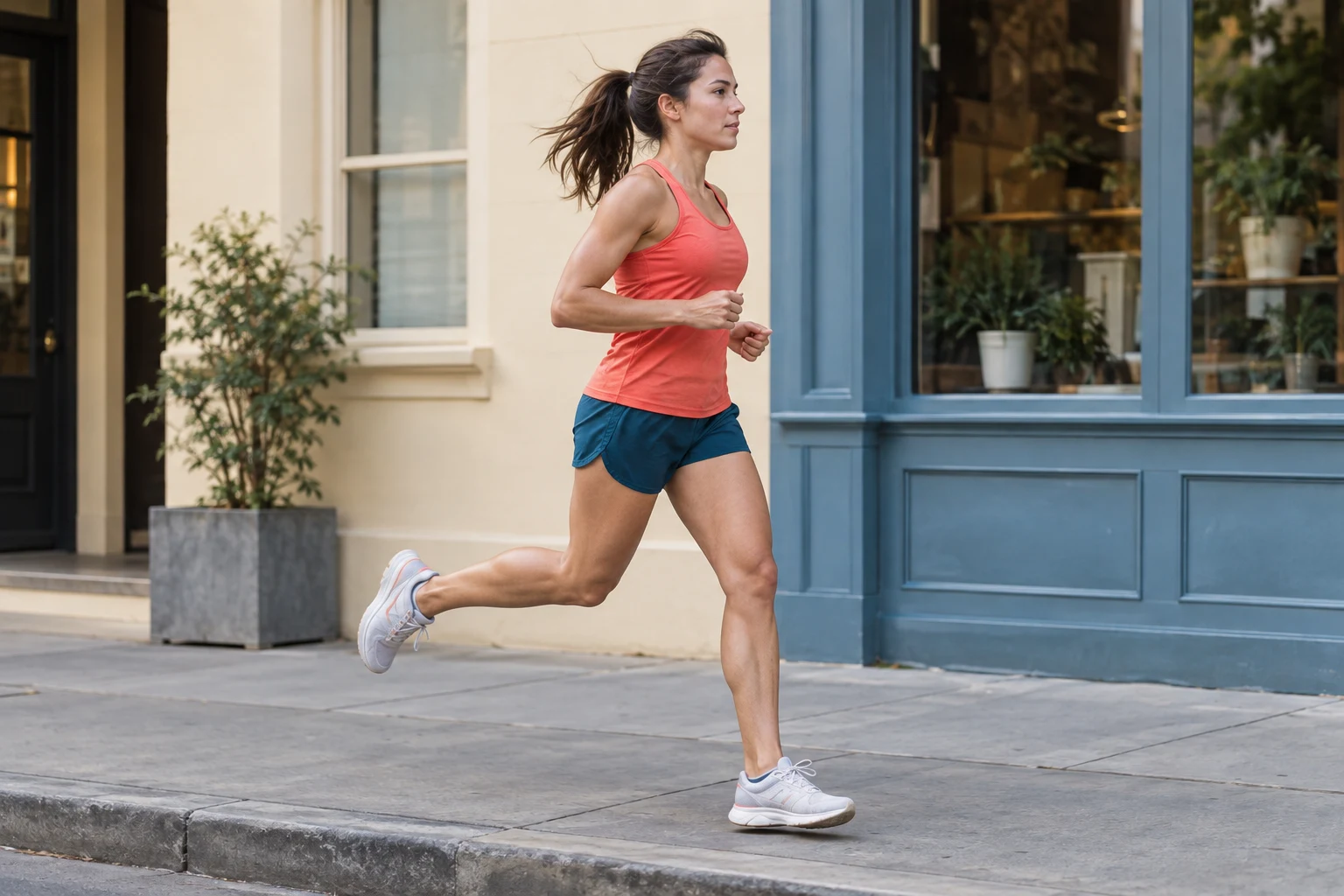
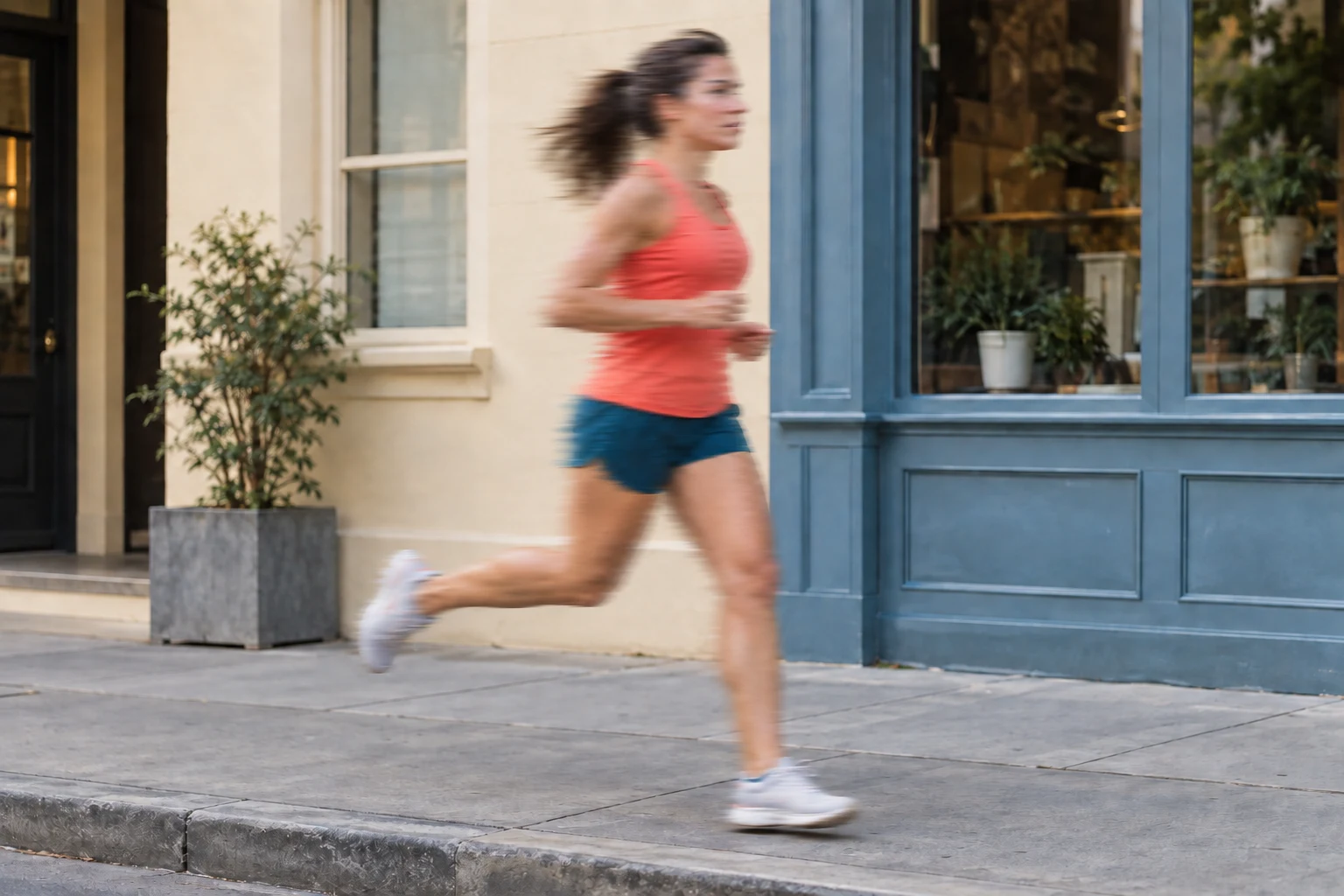
Motion blur
Moving people, pets or vehicles leave directional trails while the background may stay sharp. Mild trails with recognizable subject outlines are better candidates.
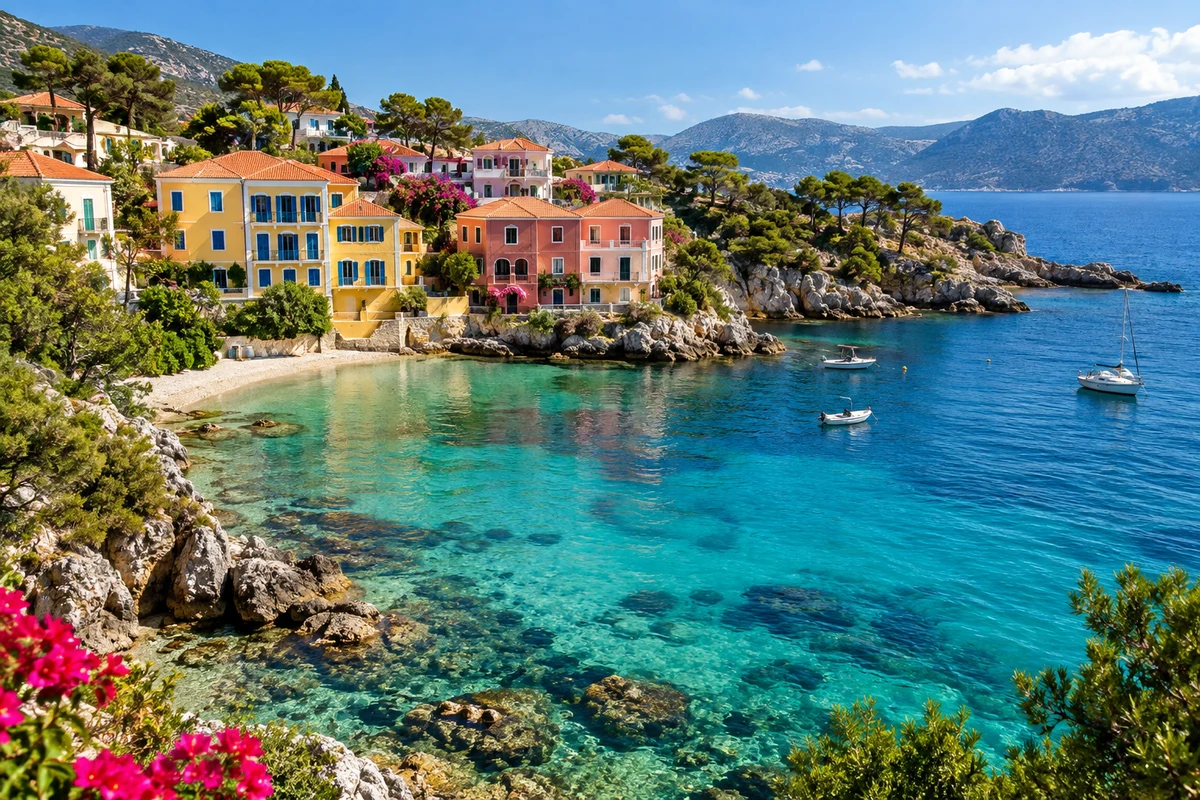
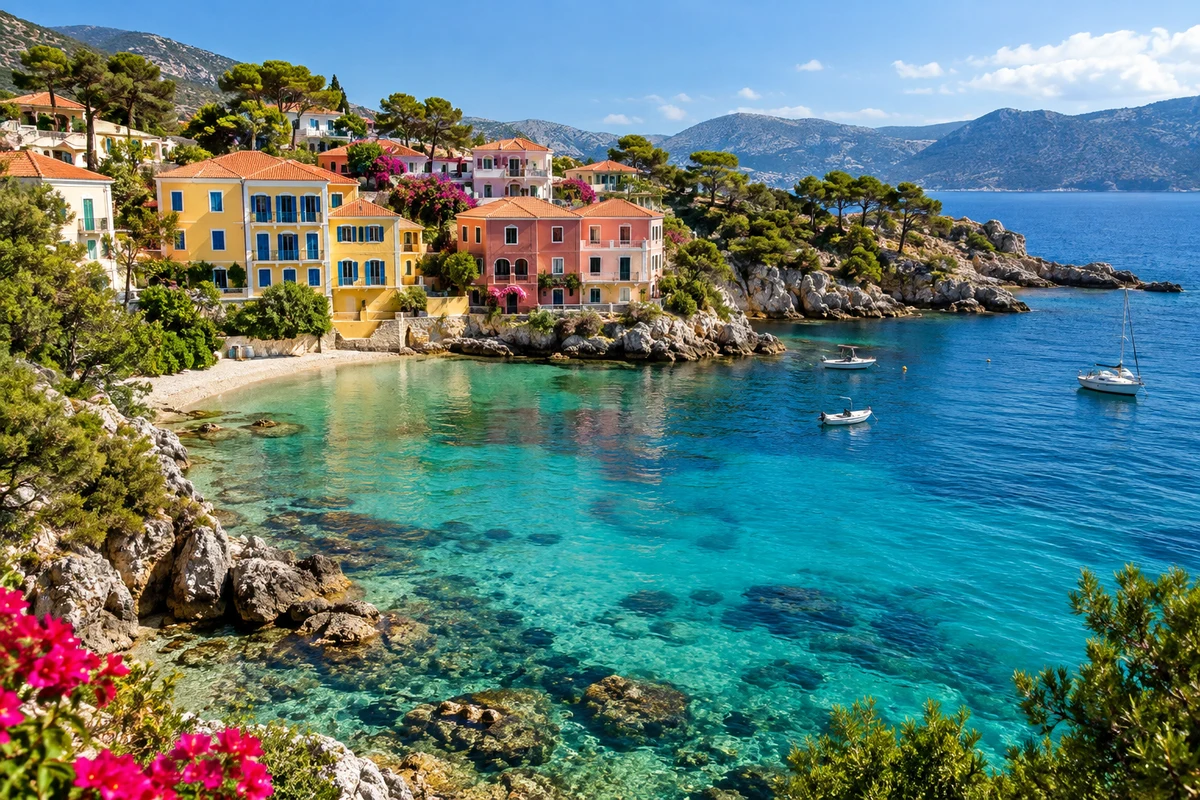
Camera shake
The camera moves during exposure, especially in low light with a slower shutter. Even stationary scenery can look soft or doubled. Mild shake is a candidate for improvement.
Slightly out of focus
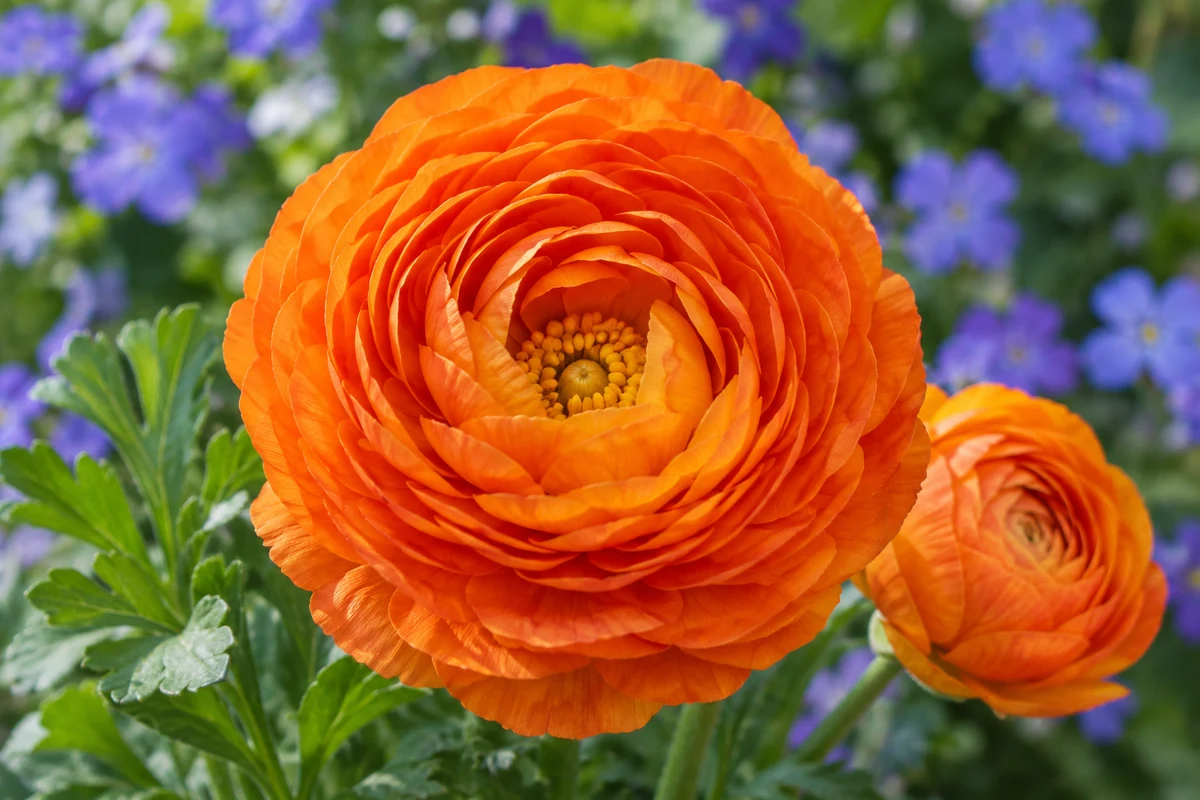
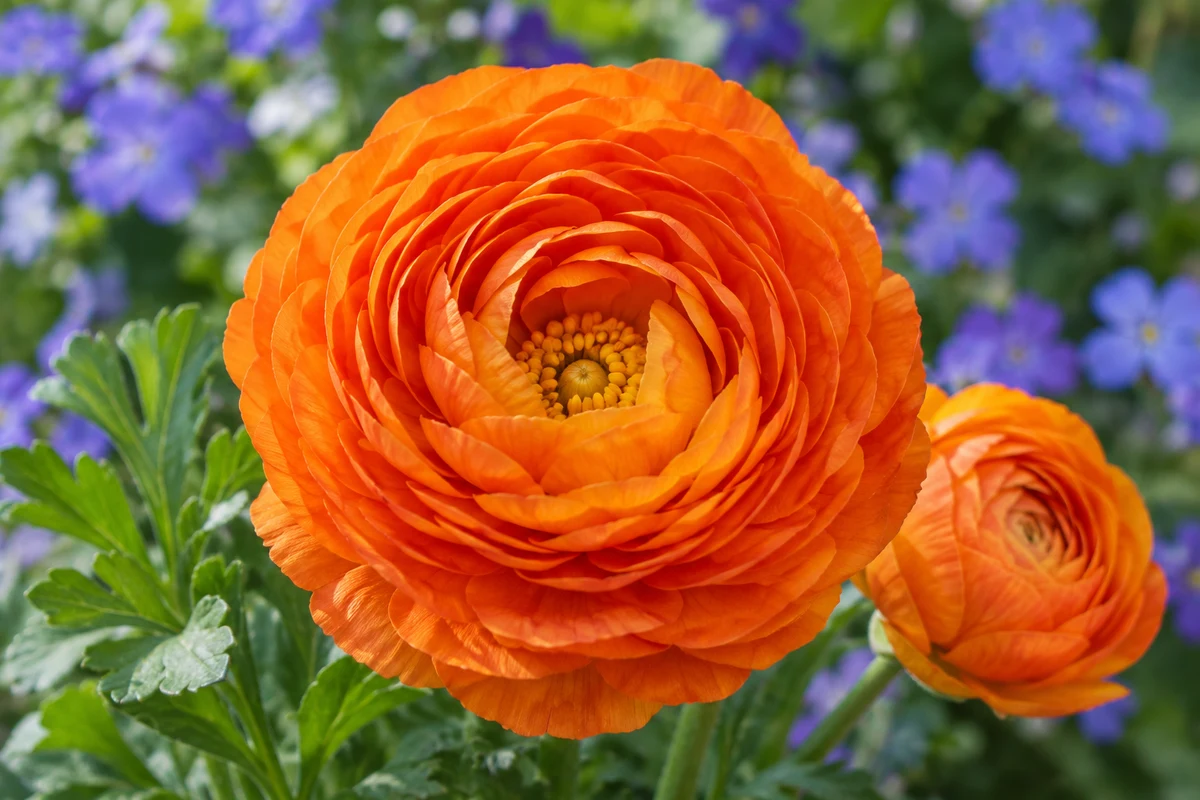
Focus falls in front of or behind the subject, leaving soft edges without obvious directional trails. Slight defocus with visible texture is a better candidate.
Is AI unblurring right for your photo?
Camera shake, motion trails, and missed focus call for different expectations. Find your situation below to decide whether to try unblurring and what to check afterward.
Camera shake, but outlines remain
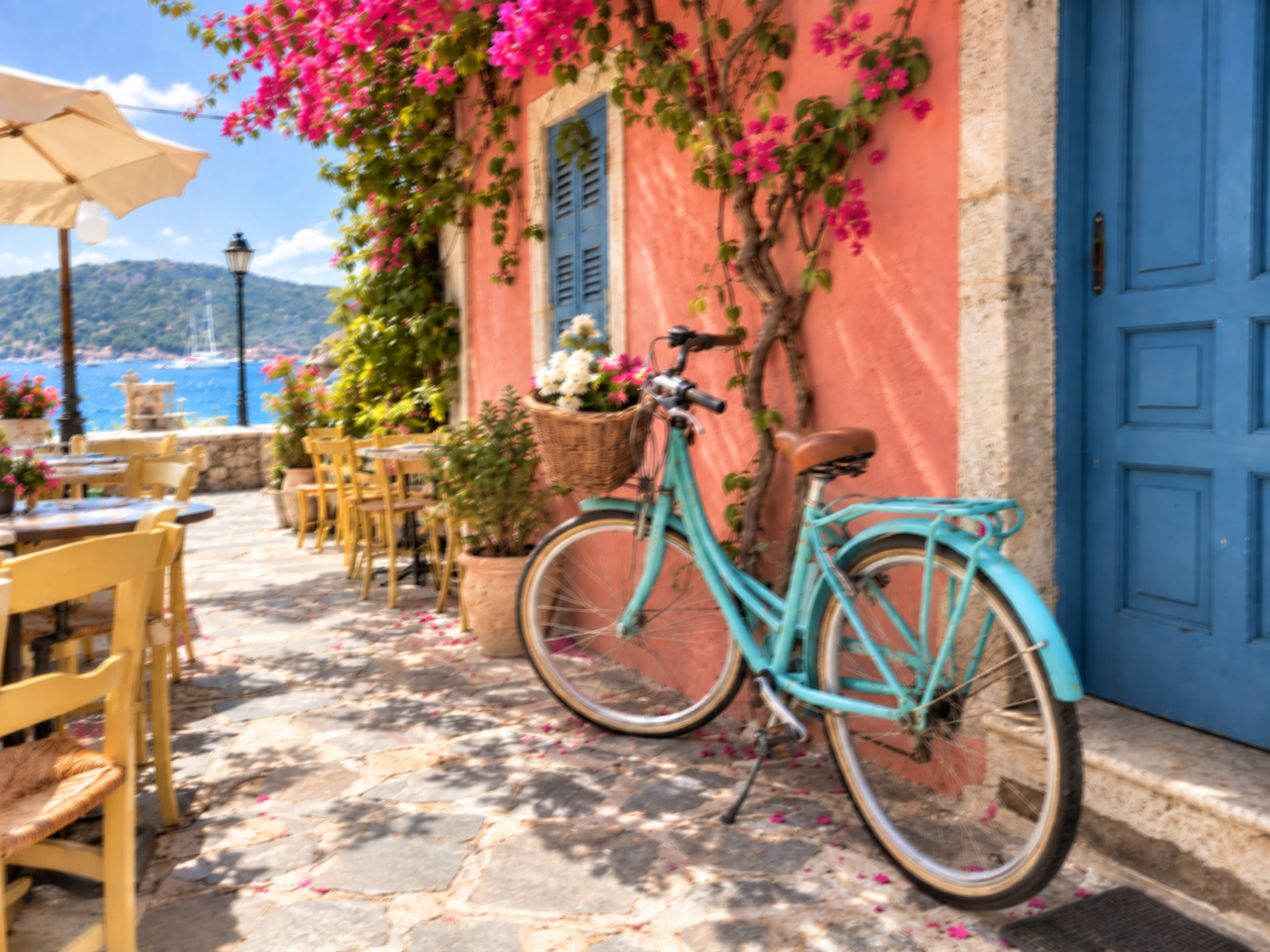
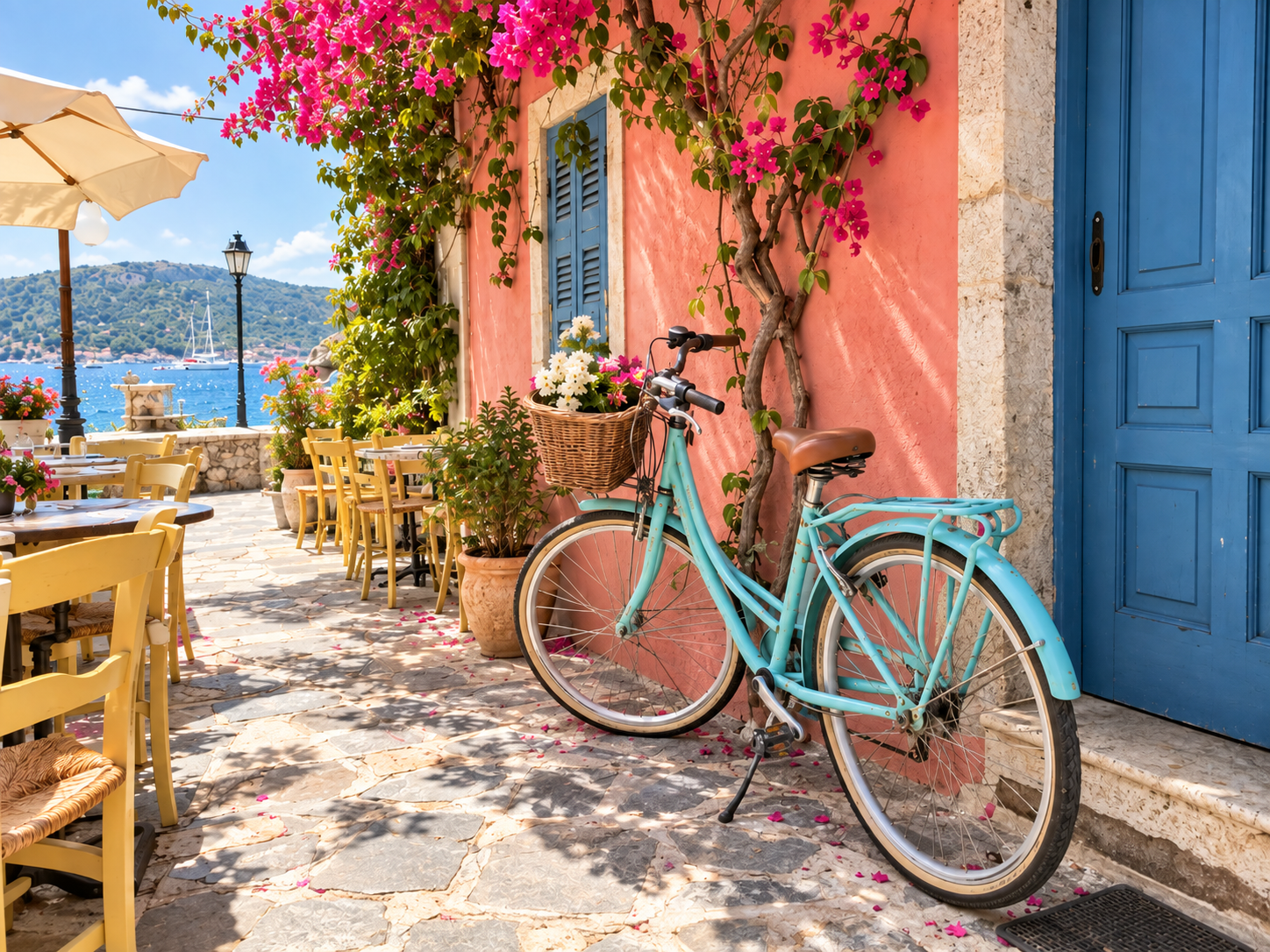
Recognizable outlines make mild camera-shake blur worth trying to improve.
Camera shake, but outlines remain
Can you still make out people and scenery, with just a little softness around the edges? Try unblurring to make those outlines clearer.
Worth trying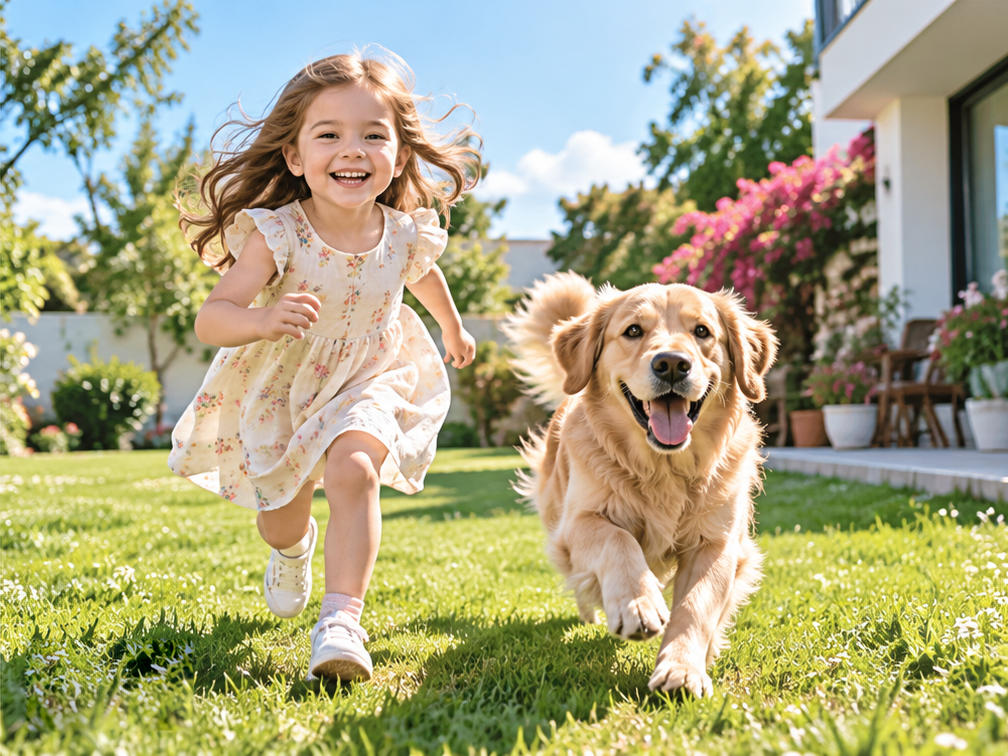
Children or pets blurred in motion
Short trails left by movement may improve. Longer trails and overlapping outlines leave fewer details available to recover.
Try short motion trails
Missed focus and a soft-looking face
If facial features are still recognizable, try improving the softened edges. Zoom in and check that the eyes, mouth, and hair look natural before downloading.
Depends on remaining detail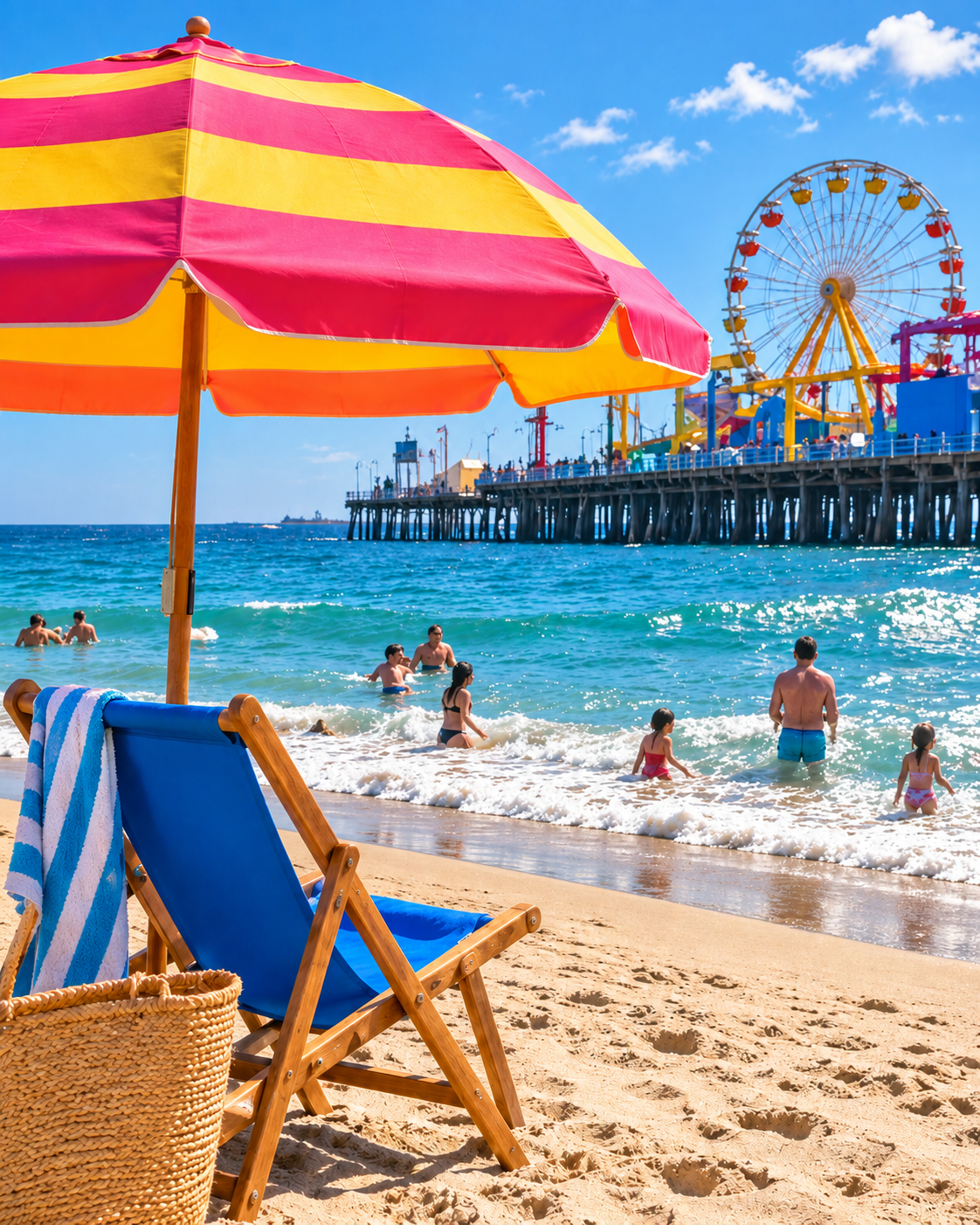
The whole photo is a blur
If faces, text, or object outlines are no longer recognizable, processing may not reconstruct them accurately. Look for the original file or another shot from the same burst.
Limited room to improve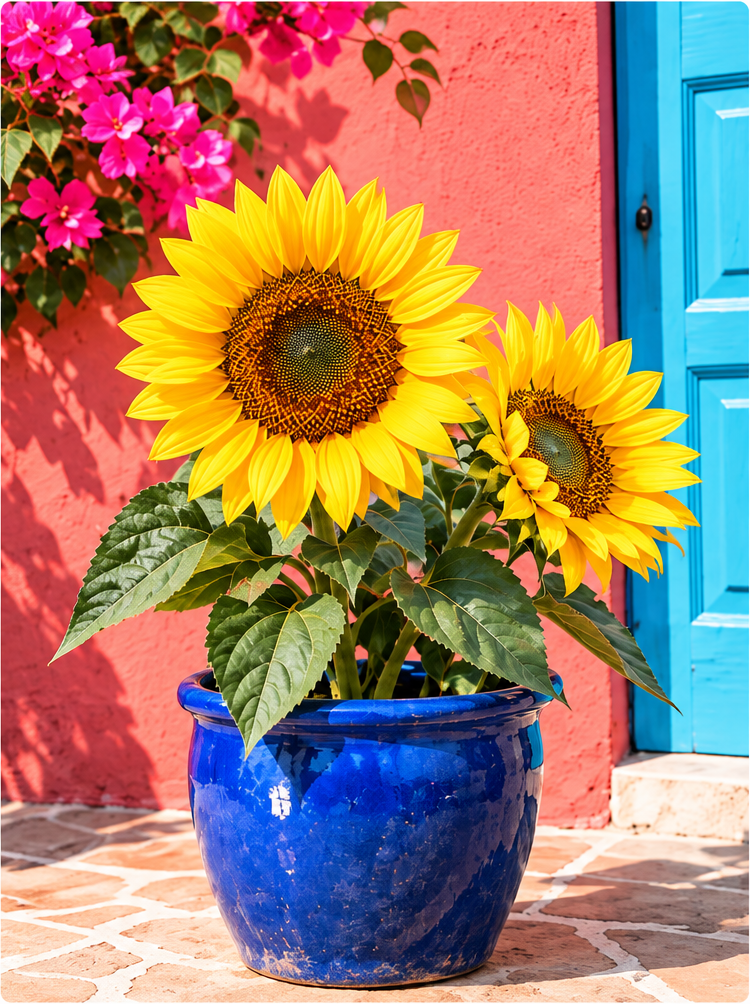
Low-resolution and clearer image comparison
The sunflower petals, center, and pot edges look rougher on the left, while outlines and textures appear clearer in the illustration on the right. Use the image upscaler when image dimensions are too small; actual results depend on source quality.
Left: low-res · Right: clearer illustration
Unclear text, screenshots, or scans
You can try improving mild blur, but processed text may contain errors. Check important information against the original document rather than relying on the enhanced result alone.
Check every word
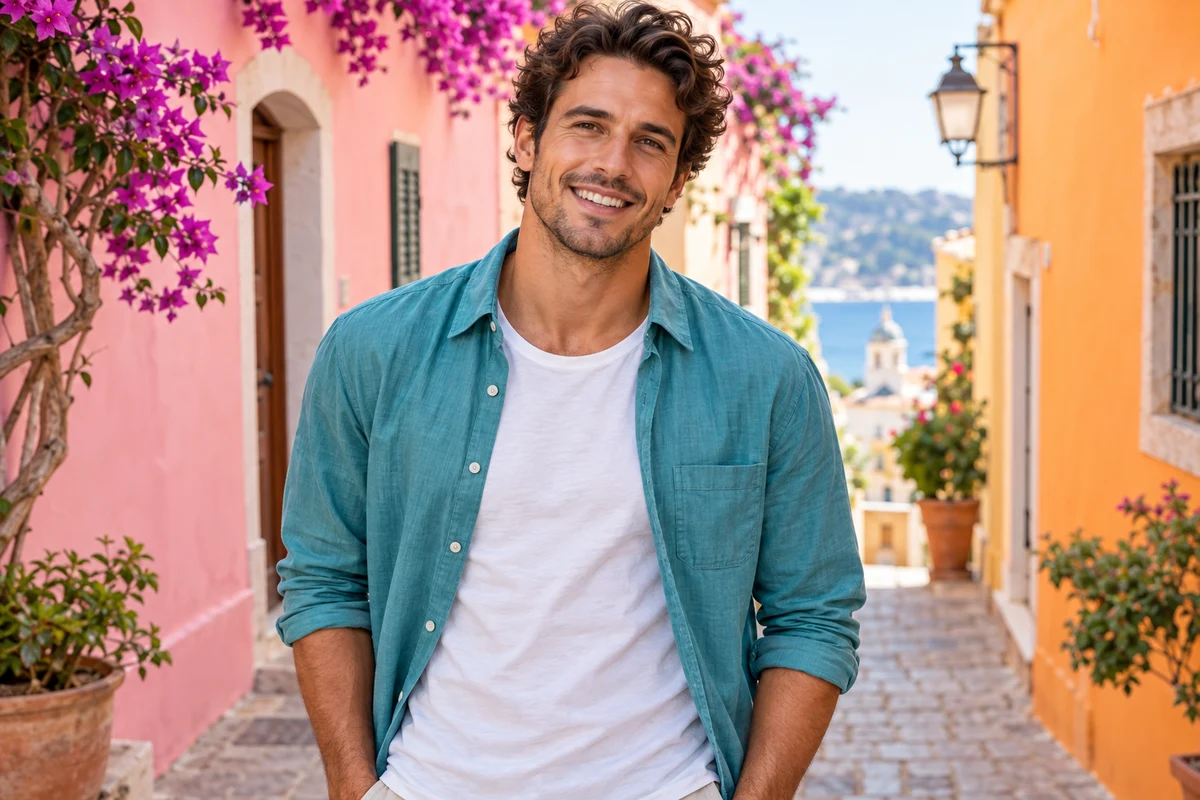 Illustrative examples. Actual results vary by source image.
Unblur Image Credits per Image
See the version summary for per-image rates. Confirm the tool’s exact quote or batch total before processing. Technical failures return the affected task credits.
Unblur Image FAQ
Can AI unblur an image and make it completely clear?
No. It works best on mild blur where recognizable structure remains. Severe defocus, long motion trails, occlusion and very low resolution can permanently remove information. The tool cannot see behind censorship or covered areas, and should not be used to infer identity, evidence, license plates or text that the original does not clearly record.
Can I unblur image files online for free?
Sign in to use daily free credits for single-image Standard unblur: 2 credits per image, up to 2 MP (long edge ≤2560, short edge ≤1440). Pro costs 8 paid credits per image, up to 8 MP. The current option's cost appears before processing.
Does the Unblur Image tool remove motion blur?
It may reduce mild camera shake or short motion blur, but results vary. The tool does not automatically diagnose the blur type, and long motion trails often cannot be removed reliably.
Can I unblur text in an image?
It may improve the readability of mildly blurry screenshots, labels or document photos, but it is not OCR and cannot guarantee the original letters. AI may invent strokes or punctuation. Check every word against the source, especially on receipts, records and instructions. Do not rely on unverified reconstructed text.
Can I unblur a face or old photo?
You can try it, but sharper does not always mean more accurate. AI may change identity, skin texture, eyes or hair, or invent unsupported historical details. Keep the original and compare carefully. Reject results that change the person or historical details.
Does unblurring change image dimensions, and should I upscale first?
Output keeps the automatically fitted processing copy’s dimensions without upscaling: Standard up to 2 MP, Pro up to 8 MP. For larger dimensions, inspect the unblurred result first, then use Image Upscaler.
Which files can the online unblur image tool process?
Import a supported static image up to 32 MiB / 100 MP. The processing copy is automatically resized to the selected version and kept within 10 MiB; check its dimensions before starting.
How many Credits does Unblur Image use?
Standard costs 2 credits per image; Pro costs 8. The tool shows the quote before processing and does not add credits during the task. Technical failures return the affected task credits.
What is the difference between deblurring and sharpening?
Sharpening increases local edge contrast, while deblurring tries to reduce the visible blur pattern. Unblur Image combines conservative restoration with clearer-looking edges, but it is not a manual sharpen filter. Repeated unblur and sharpen passes can create halos, false texture and brittle outlines.
Are my uploaded photos and results public?
No. Your photos are not published or added to a public gallery. Files upload directly from your browser, and results remain scoped to your account. Processing starts only after you confirm the displayed cost. Privacy policy