


Upscale Images 2× Free Online – No Sign Up

An AI image upscaler increases pixel dimensions and estimates detail. Choose 2×, 4× or a supported target long edge, then review projected dimensions and credits. Pro supports eligible outputs up to 16K.

Set up image upscaling

Select model

Standard version
Preparing the tool…
Output scale
Output scale
Scale factor
Output format
Photo privacy before you upload

Processing sends your photo and selected settings to third-party image services. Photos are not published in a public gallery.

Third-party retention periods, training use and processing regions have not been verified. We cannot promise immediate deletion or that images are never used for training. Avoid uploading sensitive photos if you need these guarantees.

Selecting a photo may save a working copy in this browser for task recovery. Closing the tab does not request deletion from processing services.

Read the privacy policy · Contact support about data deletion

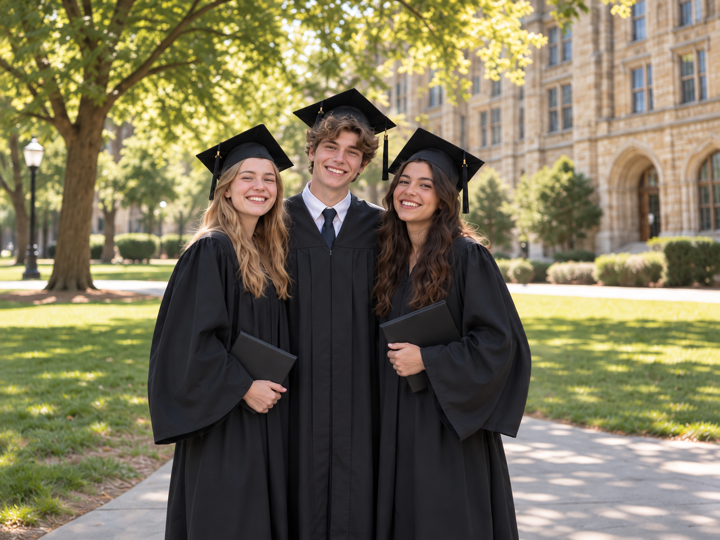
Sample preview — Result4× Upscaled

When guest access is enabled, daily credits cover single-image Standard 2× upscaling without signing in. Sign in for other eligible Standard options. Pro and batches require purchased or subscription credits.

How to Use the Image Upscaler Online

  1. 01

    Upload your photo

    Choose one file up to 32 MiB / 100 MP (automatically resized to this version, within 10 MiB). The online tool reads the original dimensions before any Credits are used.

  2. 02

    Choose a scale or target resolution

    Choose 2×, 4× or a target resolution, then check projected dimensions and credits. Targets preserve aspect ratio. Choose the smallest output that meets your needs.

  3. 03

    Compare and download

    Inspect the result beside the original. Check faces, text, product edges and fine patterns before downloading.

What is an AI image upscaler?

MyEnhancer Image Upscaler increases pixel width and height while estimating detail between the source pixels. Choose 2×, 4× or a supported target long edge. Estimated texture is not recovered source evidence; inspect the enlarged result against the original.

Processing versions and credits
VersionProcessing copyCredits per image
StandardUp to 2 MPLong edge ≤2560 px; short edge ≤1440 px.2–8 credits, by output size
ProUp to 24 MP4–24 credits, by output size

Rates shown apply after sign-in. The table describes processing versions, not subscription plans. Check the tool’s quote before starting.

Output and limits
Standard supports outputs up to 24 MP and an 8192 px long edge; Pro up to 272 MP and a 16384 px long edge. Both limits apply together. Targets preserve aspect ratio and require a source long edge at least one quarter of the target.

Image-restoration research distinguishes perceptual realism from reconstruction accuracy. Blau & Michaeli, The Perception-Distortion Tradeoff (CVPR 2018). This is research background, not a quality test of this tool.

Import and download
Import static images up to 32 MiB / 100 MP. A processing copy is automatically resized to the selected version and kept within 10 MiB. Download PNG, JPG or WebP.
Free credits and paid options
Available daily credits cover eligible single-image Standard processing. Sign in for Standard tools beyond guest Enhance and 2× Upscale. Pro and batches require purchased or subscription credits. Check the tool’s availability, eligible balance and exact cost before processing.

When guest access is enabled, guests can use available daily credits for Standard Enhance or Standard 2× Upscale. Guest and account usage share the same daily allowance.

Maintained by MyEnhancer. Local content review: . How we check this content

Choose Upscale Dimensions for Screen or Print

Scale and target examples (pixels)
OptionProcessing inputOutput
2×1200 × 8002400 × 1600
4×1200 × 8004800 × 3200
4K target1024 × 5124096 × 2048
8K target2048 × 7208192 × 2880
16K target · Pro only4096 × 204816384 × 8192

2× doubles width and height (4× the pixels); 4× quadruples both (16× the pixels). Target presets refer to the long edge, not a forced 16:9 crop. Examples use processing copies that fit the selected version.

A target requires an input long edge at least one quarter of the target and smaller than the target. Input limits, output megapixels and maximum edge length must all be satisfied; check dimensions after automatic resizing.

How many pixels do you need for a photo print?

Calculate each side separately: pixels = print size in inches × PPI. These examples use 300 PPI; confirm the print service’s requirements rather than treating it as a rule for every print.

Print size (inches)Pixels at 300 PPI
4 × 61200 × 1800
5 × 71500 × 2100
8 × 102400 × 3000

Changing a PPI or DPI metadata tag without resampling does not create pixels or restore detail. Upscaling changes pixel dimensions; review the enlarged image before printing. Adobe: image dimensions and resampling.

Suitable PPI depends on print size, viewing distance and the print service. Larger prints viewed from farther away may use less than 300 PPI. If the image and paper have different proportions, ask about cropping or borders. Adobe: print resolution and viewing distance.

How AI Upscaling Differs from Simple Resizing

Simple resizing estimates new pixels from neighboring pixels. AI upscaling also estimates patterns and textures, which may make enlarged edges look clearer. New texture can be plausible without matching the source, so compare faces, text and fine patterns rather than judging only the larger dimensions.

Increase Image Resolution With Honest Quality Limits

A larger file is not automatically a sharper or more accurate image. The Image Upscaler can increase image resolution and make edges look cleaner at a larger display size, but it cannot guarantee an image upscale without losing quality. Heavy blur, compression blocks, tiny lettering and missing facial detail may remain or be estimated incorrectly. Always compare the result with the source instead of treating generated texture as fact.
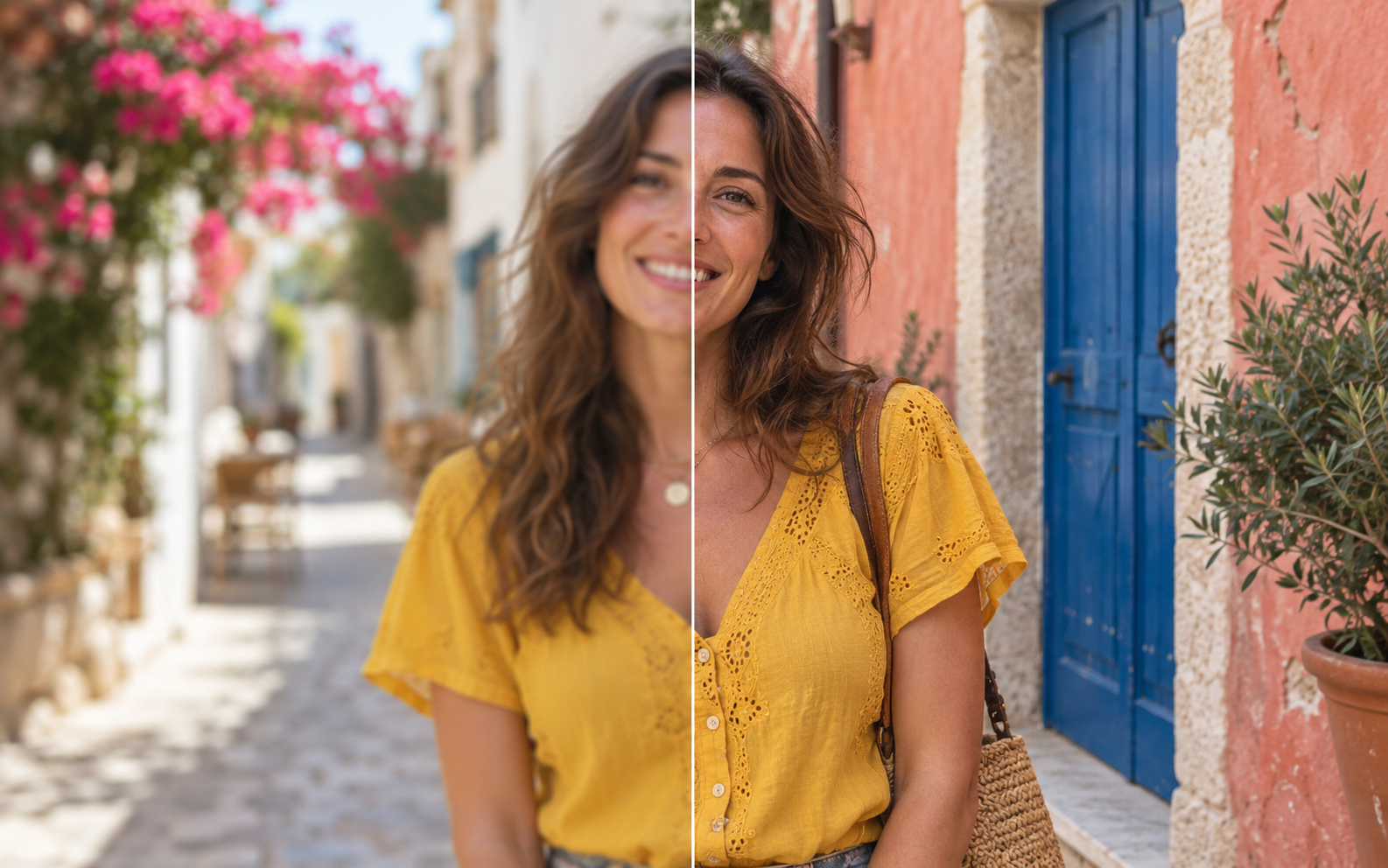
Image Upscaler for Faces, Products and Design Assets

A face upscaler or portrait enlargement tool needs careful review because plausible eyes, hair, skin texture and jewelry may not match the person. Product labels, logos, hands, straight lines and repeated patterns can also change. For social graphics, product images, crop headroom and larger screen reuse, compare the original and result at 100% before publishing or printing.

Image Upscaler vs Photo Enhancer and Unblur Tools

Choose Image Upscaler when you need larger pixel dimensions. Choose Photo Enhancer for lighting, color and visible noise. If mild blur is the main problem, try Unblur Image and review the result before enlarging; upscaling first can magnify blur and artifacts.

Private Online Image Upscaler Workflow

Photos are not published in a public gallery. See the privacy FAQ below and the Privacy Policy for access and processing details.

Privacy policy
Illustrative examples. Actual results vary by source image.

Image Upscaler Credits per Image

Credits depend on output dimensions, as shown below. Check the exact cost before each task or the total for a batch. Technical failures return the affected task credits.

Image Upscaler Credits per Image
Output long edgeStandardPro
Up to 2K2 credits4 credits
Up to 4K4 credits6 credits
Up to 8K8 credits8 credits
Up to 16K—16 credits
16K above 160 MP—24 credits

Per-image prices shown here apply after sign-in. Guest trials use the quote displayed in the tool. Standard output: up to 24 MP. Pro output: up to 272 MP and 16384 pixels per side. The 16-credit 16K tier covers up to 160 MP; larger outputs cost 24 credits. All tiers remain subject to input and output limits.

View pricing

Image Upscaler FAQ

What is an image upscaler?

An image upscaler increases pixel dimensions and estimates pixels between those in the source. It can create a more usable larger image, but it cannot guarantee recovery of true missing detail.

How does the AI Image Upscaler increase image resolution?

The AI model predicts detail while enlarging width and height. The Image Upscaler shows projected dimensions first, then lets you compare the generated result with the original.

Can I upscale an image to 4K, 8K or 16K?

Choose a target supported by the selected version. Standard output is limited to 8K and 24 MP; Pro supports up to 16K and 272 MP. The source long edge must be at least one quarter of the target. Check available options, dimensions and credits before processing.

Is this a free image upscaler?

When guest access is enabled, daily credits can be used without signing in for single-image Standard 2× upscaling, including downloads. Sign in to use your daily allowance on eligible Standard options. Guest and account usage share the same daily allowance; it resets by UTC day and does not roll over. Pro and batch processing require purchased or subscription credits. The exact cost and available balance appear before processing.

Which files can the Image Upscaler process?

The Image Upscaler accepts one supported static image up to 32 MiB / 100 MP (automatically resized to this version, within 10 MiB). Use the highest-quality original available; thumbnails and repeatedly compressed copies contain less source detail.

Can I use the Image Upscaler for printing?

Yes. Check the result's pixel dimensions against the intended print size and pixels-per-inch requirement. Review it at 100% because the Image Upscaler cannot guarantee accurate missing detail or professional print quality.

Can a face upscaler preserve identity?

No Image Upscaler can guarantee identity fidelity. Compare eyes, hair, skin, jewelry and other distinctive features with the source, and never treat estimated facial detail as evidence.

Should I unblur an image before using the Image Upscaler?

If blur is the main problem, use Unblur Image first. After the result looks clean, use the Image Upscaler for larger dimensions; enlarging first can magnify blur and compression artifacts.

Does the Image Upscaler keep uploads private?

Photos are not published in a public gallery. Signed-in tasks are accessed through your account; guest results use temporary guest access, so download anything you want to keep. Processing uses third-party image services as explained in the Privacy Policy.

How many Credits does the Image Upscaler use?

The cost depends on the version and output dimensions; see the credits table on this page. The exact quote appears before processing, with a total for batches. Pro and batches require purchased or subscription credits.