Colorize Photo Online Free – No Sign Up

AI photo colorization estimates plausible colors from a black-and-white photo. It cannot guarantee the original colors. Explore a color interpretation of the people and moments worth keeping.

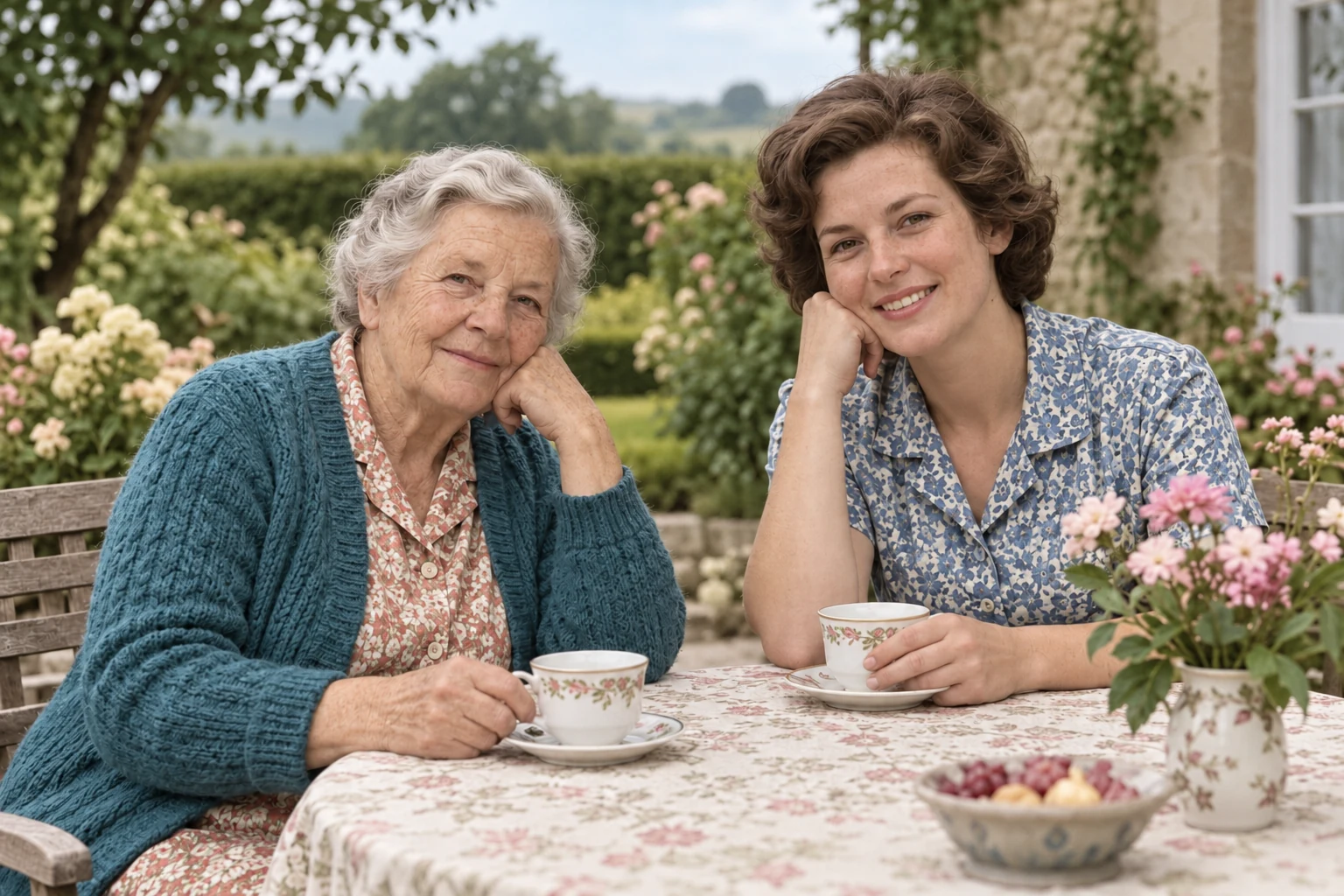
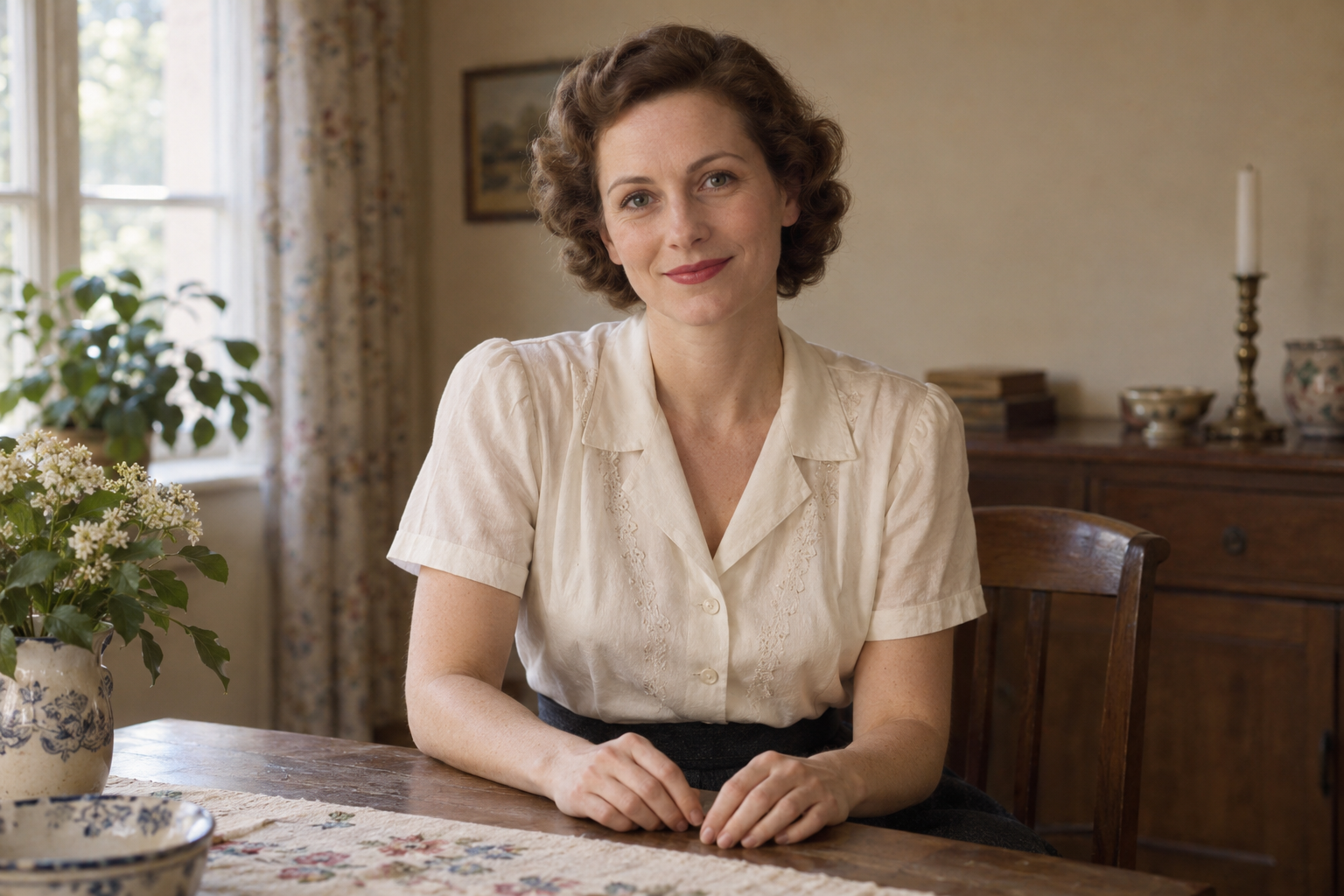
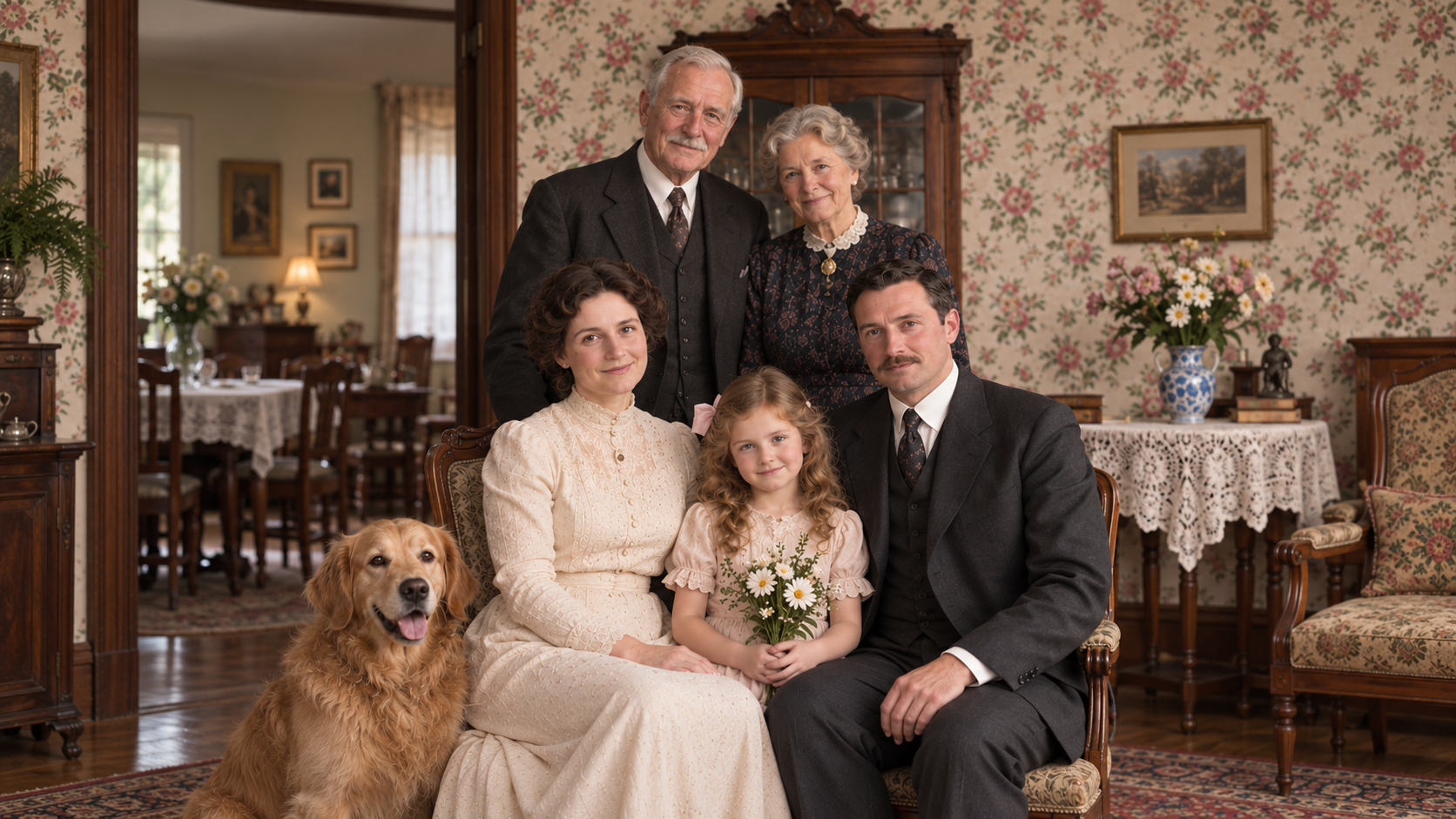
AI-generated monochrome and color illustrations of a fictional grandmother and daughter at a garden table — Colorized
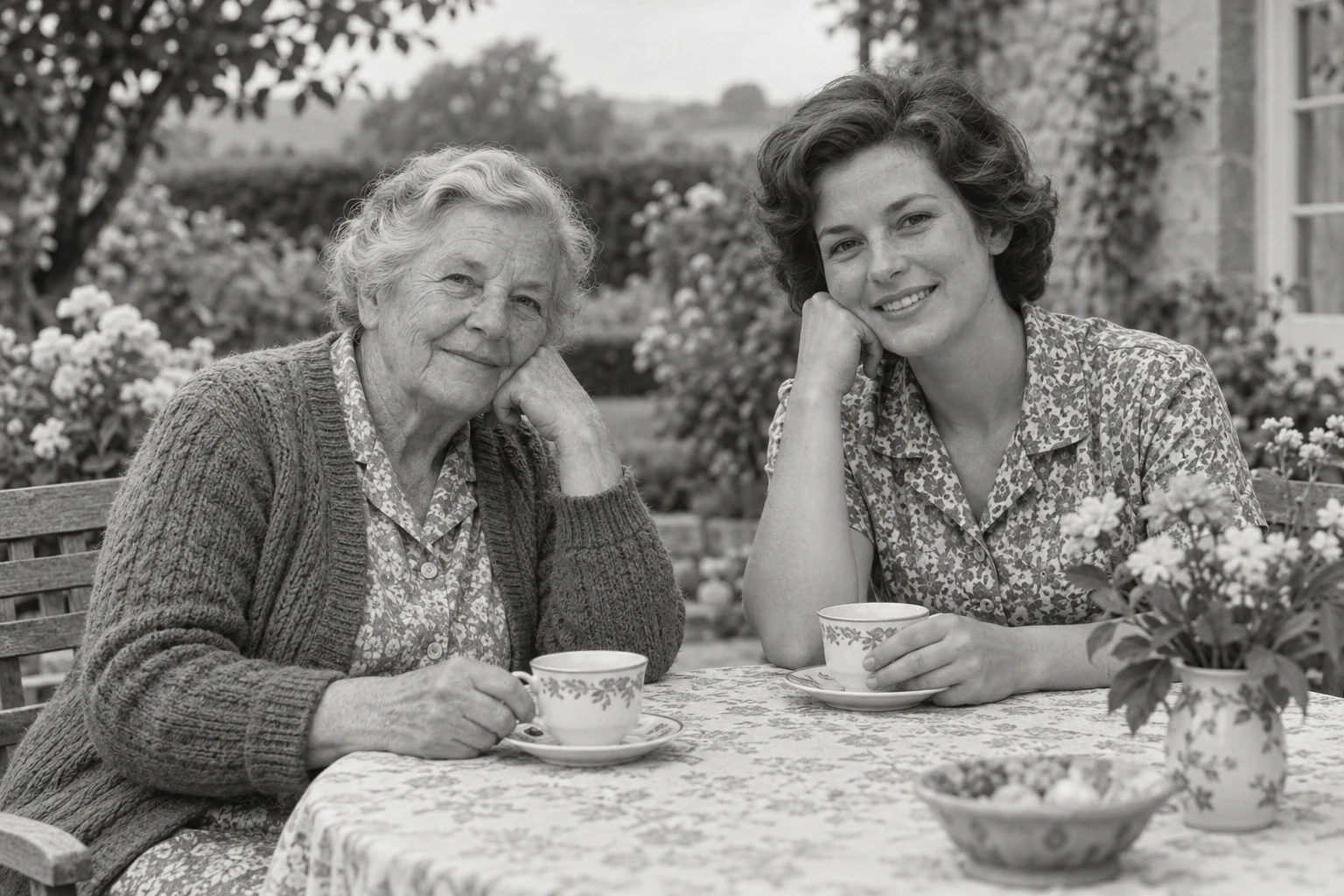
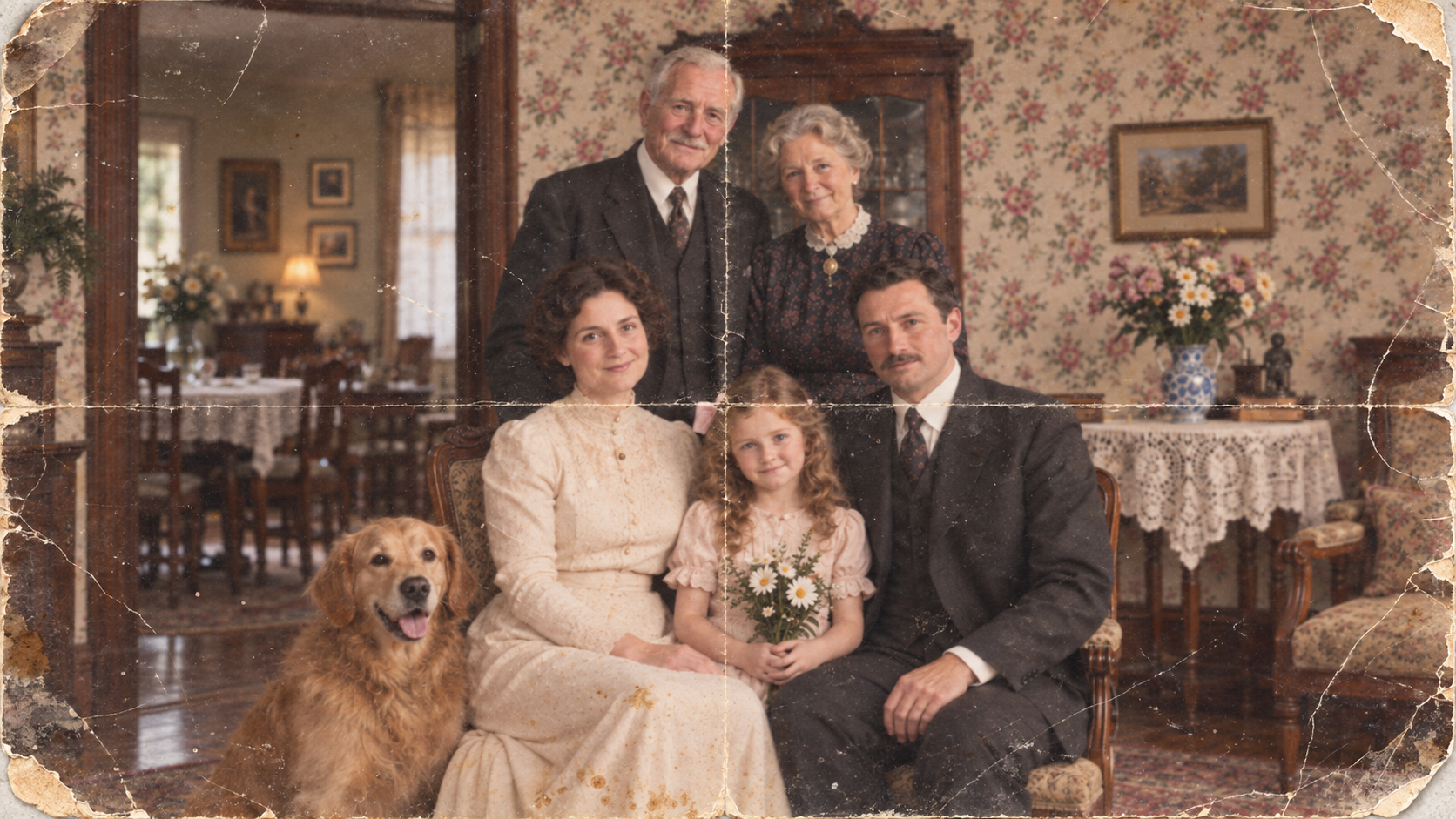
AI-generated monochrome and color illustrations of a fictional grandmother and daughter at a garden table — Original

Illustrative examples. Actual results vary by source image.

Photo colorization workflow

How to Colorize Black and White Photos

Black & white
Color
  1. 01

    Start with a clear black-and-white photo

    Use an original scan where possible. Keep prints flat, avoid reflections and include the full frame.

  2. 02

    Let AI infer the colors

    People, clothing and surroundings provide clues for a color interpretation. Inferred colors may differ from the original scene.

  3. 03

    Review the details, then save

    Check skin tones, clothing edges and backgrounds. Keep your original and save the color version separately.

What is an AI photo colorizer?

MyEnhancer Photo Colorizer estimates colors for a black-and-white photo using visual clues from people, clothing and surroundings. It creates a possible color interpretation, not a recovered record of the original colors. Keep the grayscale source and label colorized images when used in historical work.

Processing versions and credits
VersionProcessing copyCredits per image
StandardUp to 24 MP4 credits
ProUp to 24 MP8 credits

Rates shown apply after sign-in. The table describes processing versions, not subscription plans. Check the tool’s quote before starting.

Output and limits
Colorization does not promise a larger image or historically accurate colors. Check skin tones, clothing edges and the completed image’s dimensions. Repair scratches separately; upscale only if you need more pixels.

Output is capped at 24 MP. This is a limit, not a promised output size or a guarantee of unchanged dimensions.

Image-restoration research distinguishes perceptual realism from reconstruction accuracy. Blau & Michaeli, The Perception-Distortion Tradeoff (CVPR 2018). This is research background, not a quality test of this tool.

Import and download
Import static images up to 32 MiB / 100 MP. A processing copy is automatically resized to the selected version and kept within 10 MiB. Download PNG, JPG or WebP.
Free credits and paid options
Standard can use eligible daily credits. Pro and batches require purchased or subscription credits.

Maintained by MyEnhancer. Local content review: . How we check this content

Colorization, faded-color repair or damage repair?

Your photo needsUseScope and limits
Color for a black-and-white photoPhoto ColorizerInfers possible colors. It does not recover a verified record of the original colors.
Correction of existing faded colorsOld Photo Restoration Pro · Fix ColorsOptional and off by default; included in Pro restoration’s price. It adjusts existing tones, rather than adding color to a black-and-white image.
Repair of scratches, dust or light surface wearOld Photo Restoration · Standard or ProRepairs supported damage in a digital copy. Missing faces, severe tears and historical details cannot be reliably reconstructed.

Each task is submitted and priced separately. Standard restoration (3 credits) followed by Standard colorization (4 credits) totals 7 credits. Review both results and each task’s quote; further processing is optional.

What to Inspect in a Colorized Photo

Review the result at full size before saving. Use these three checks for skin tones, object boundaries and the context you keep with the edited image.

Illustrative examples. Actual results vary by source image.

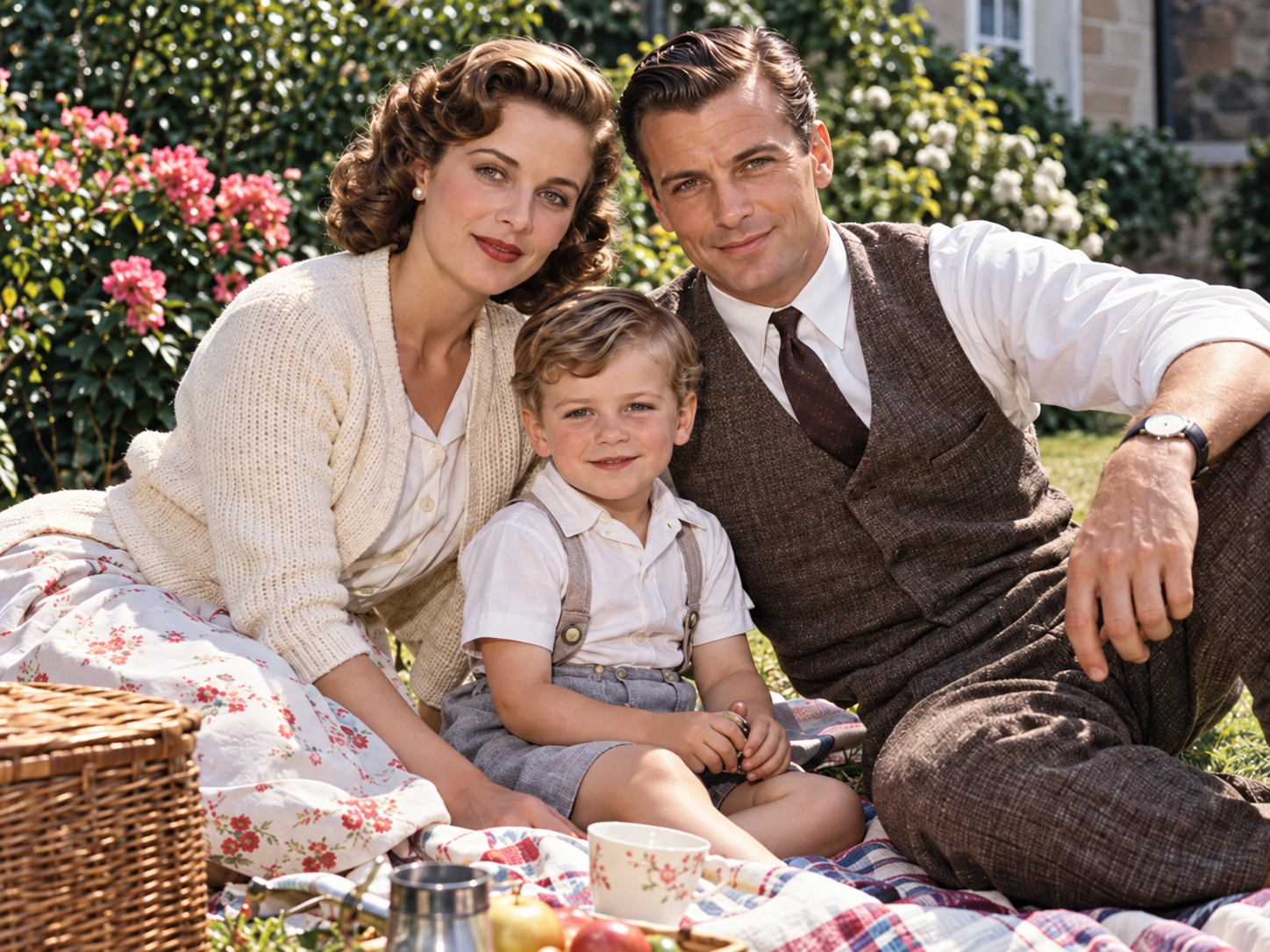
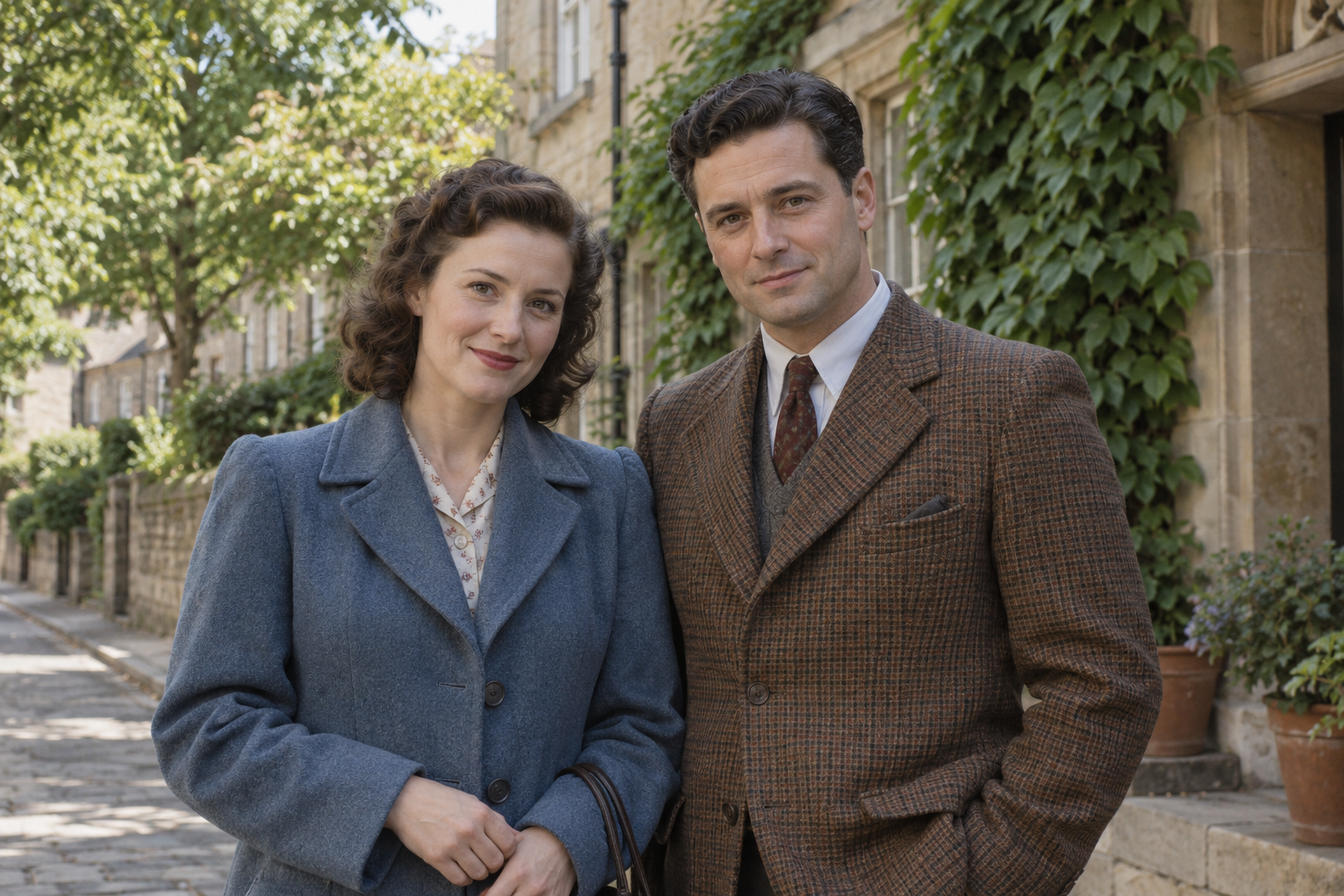
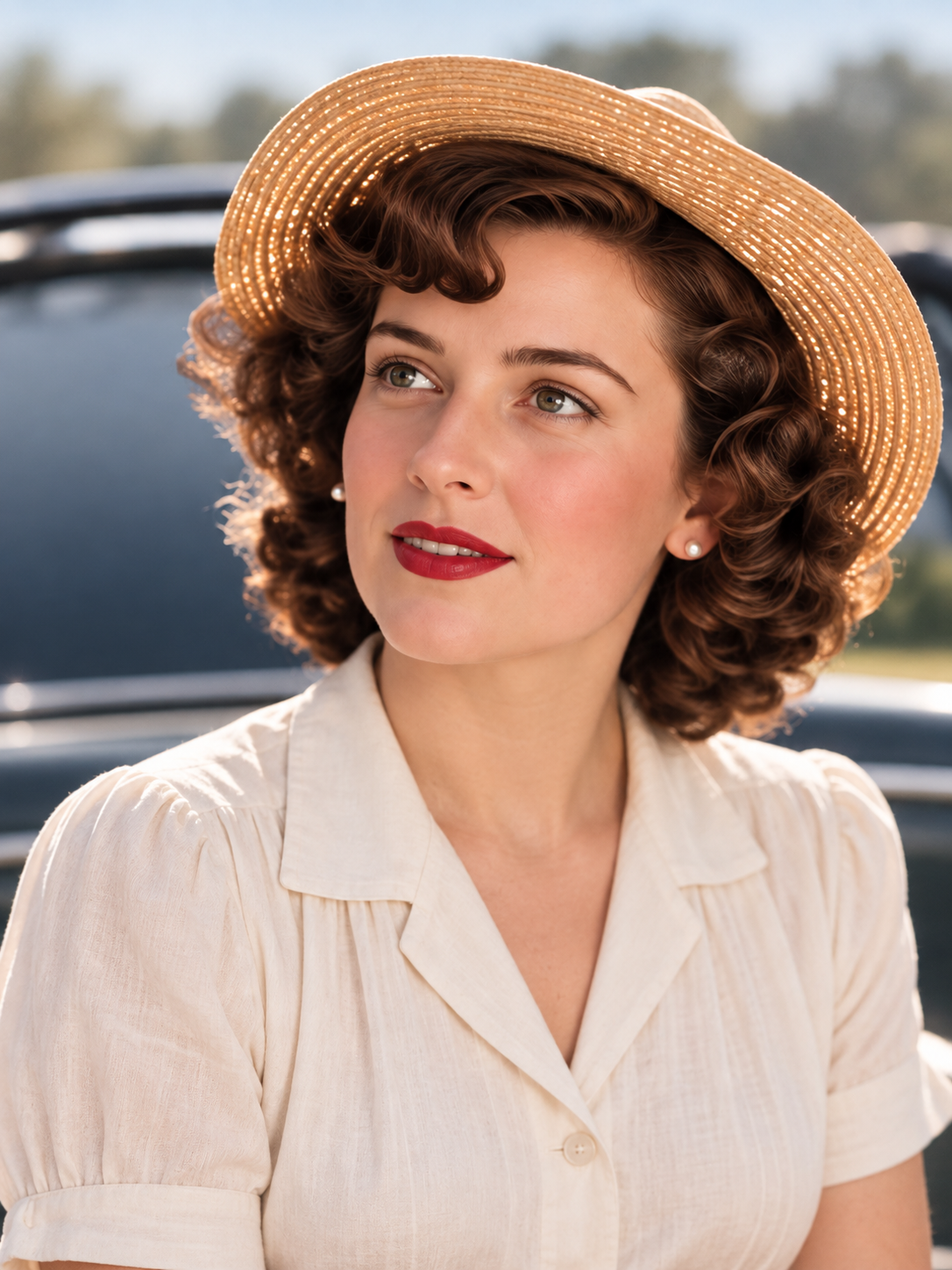
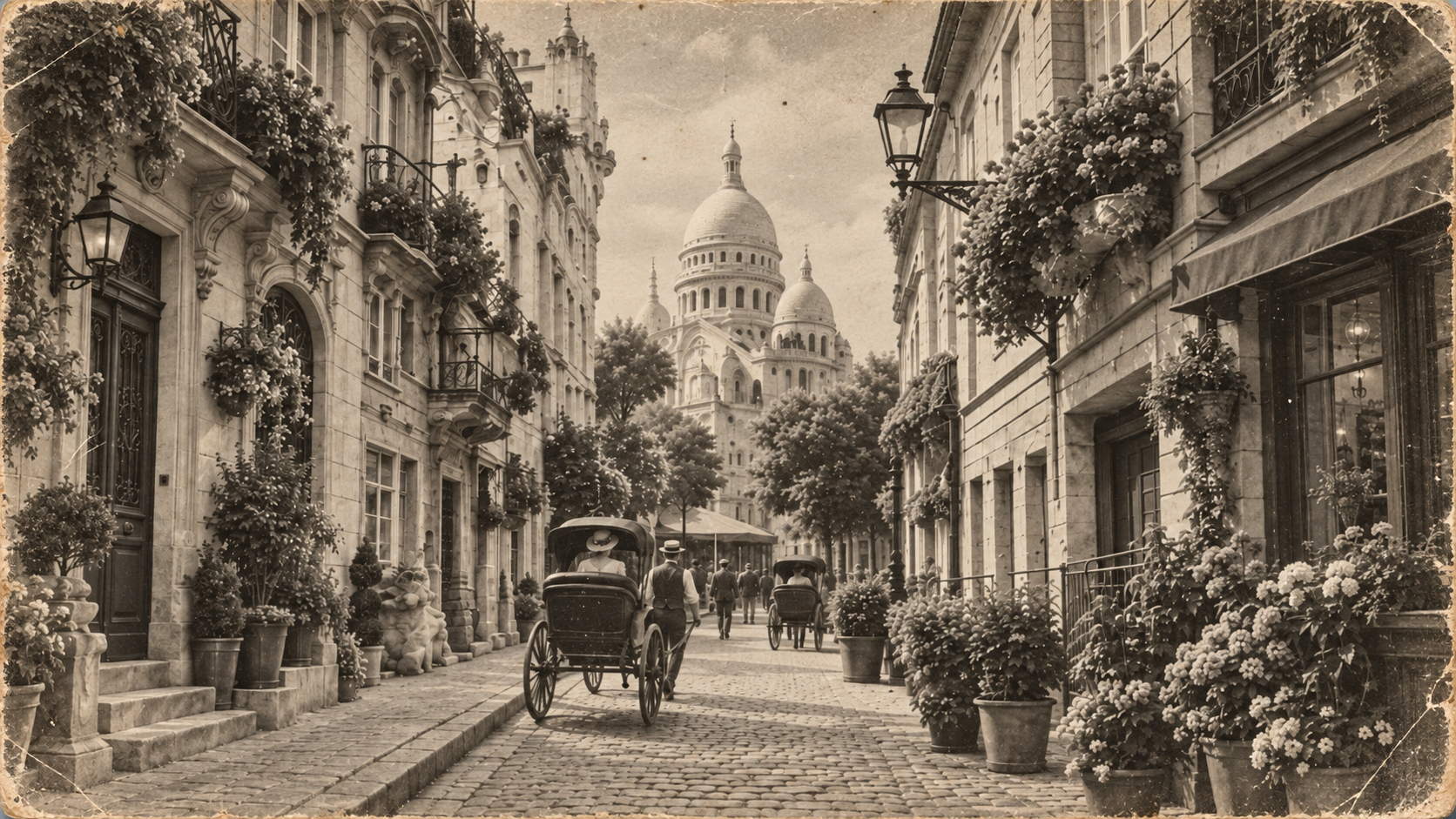
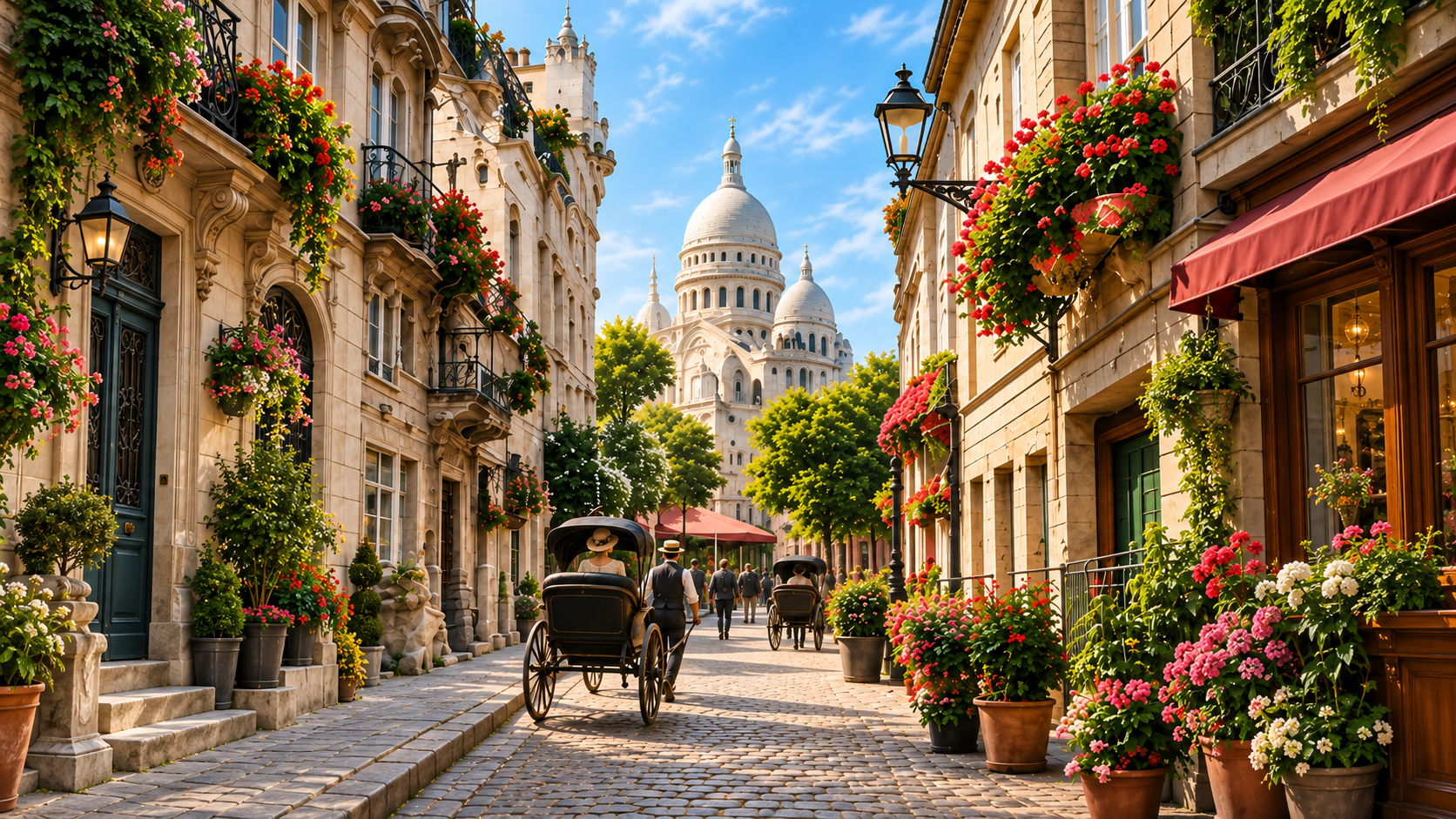
Explore portraits with natural-looking color — Colorized
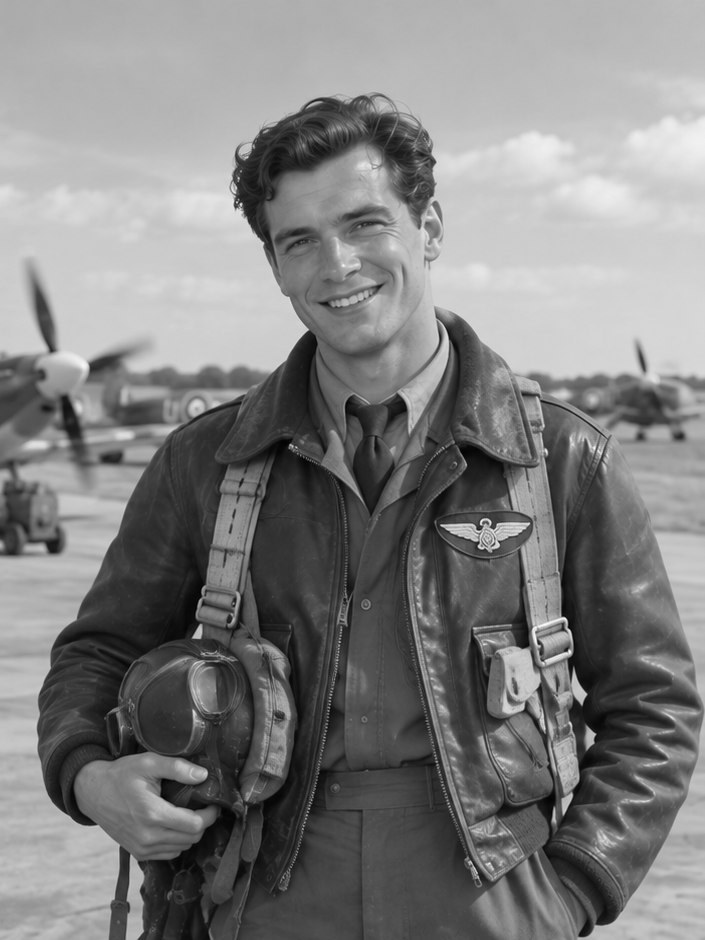
Explore portraits with natural-looking color — Original

Explore portraits with natural-looking color

Adding color can make expressions, clothing, and surroundings easier to connect with in an old portrait. Look at the face together with the neck and hands when reviewing skin tones. Mixed lighting, deep shadows, or faded scans can lead to uneven colors, so compare these areas before saving.

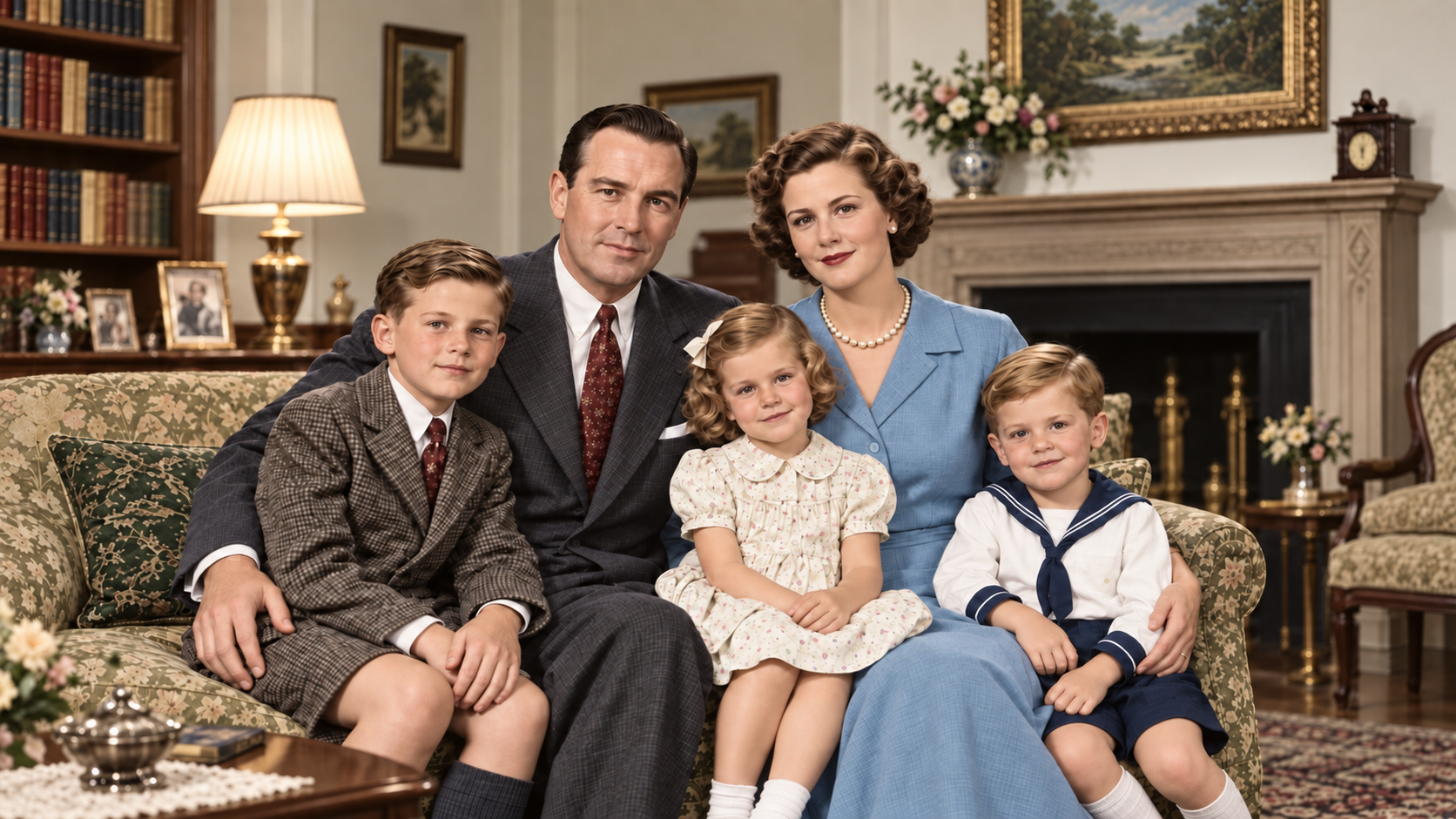
See clothing and surroundings in a new way — Colorized
See clothing and surroundings in a new way — Original

See clothing and surroundings in a new way

Color can help separate a jacket from its background or foliage from nearby buildings. Fine patterns, hair, and objects with similar gray tones are harder to distinguish. Treat the result as one possible interpretation, especially when the original color of a uniform or object matters.

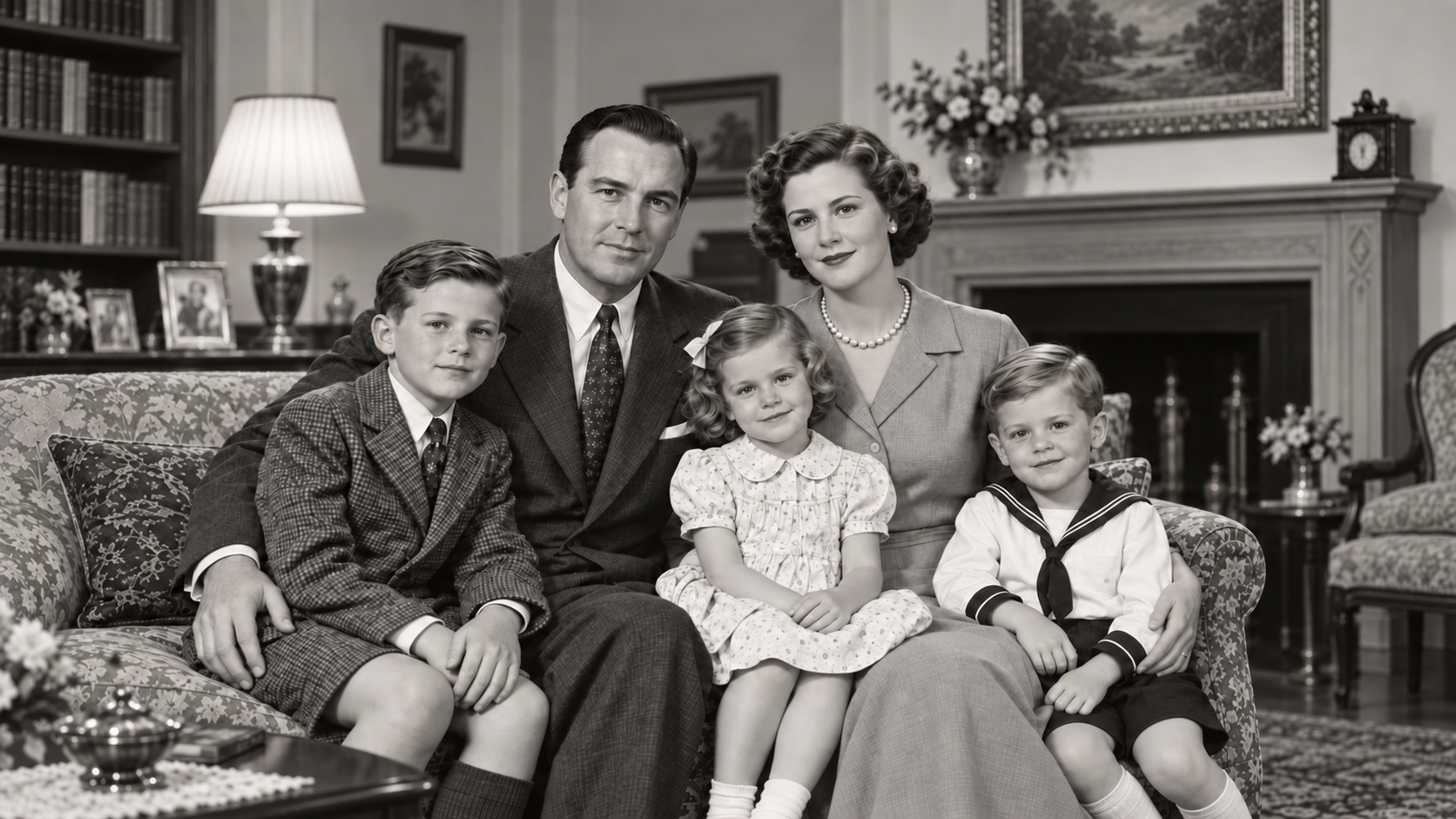
Create a companion to the original photograph — Colorized
Create a companion to the original photograph — Original

Create a companion to the original photograph

A color version can work alongside the black-and-white scan in a family album, memory book, or digital collection. Keep both versions with the date and names you already know. For public history projects, identify the edited version as AI-colorized rather than an original color photograph.

Get Better Results When You Colorize Old Photos

The source image matters as much as the colorization step. Prepare a clean scan, make only the repairs it needs, and review the result at a useful size.

Start with the best scan you have

Use the original scan instead of a screenshot or a copy repeatedly saved through messaging apps. If photographing a print, keep the camera parallel to it and use even light without flash glare. Crop away the surrounding table while keeping the complete picture.

Repair damage before adding color

Visible scratches and creases can interrupt faces and clothing, leaving the colorizer less information to interpret. For lightly damaged scans, try Old Photo Restoration first and inspect that result before colorizing. Larger missing areas may need manual repair.

Repair an old photo

Review color before enlarging for print

Check faces, hairlines, hands, and clothing edges for unwanted color patches. Then consider the pixel dimensions needed for an album or framed print. Colorization does not promise a larger image; use Image Upscaler separately when you need more pixels.

Enlarge a colorized photo

What to Expect from AI Photo Colorization

An interpretation of color

Verify important uniform, clothing or object colors against a reliable reference. A convincing appearance alone cannot establish historical accuracy.

Colorization and repair have different jobs

Repair supported light surface damage before colorizing. Severe tears or missing areas may need manual work; use an upscaler separately only when you need larger pixel dimensions.

Keep the original close

Save the original scan and edited copy separately, and keep any known names, dates and provenance notes with both.

Questions about photo colorization

How should I prepare my photo?

Use a clear, complete scan of your black-and-white photo. Avoid reflections when photographing prints, and keep the original.

Can AI recover the original colors?

No guarantee. Colors are inferred, so verify important details against an original color reference when one exists.

Which photos are best suited to colorization?

Clear black-and-white photos with recognizable subjects and intact tonal detail are a good starting point. Avoid reflections, overexposure and heavy compression.

How is colorization different from restoration?

Colorization adds estimated colors to black-and-white photos. Restoration repairs supported surface damage; Pro optionally adjusts existing faded colors. Black-and-white colorization is a separate task.

How is photo colorization priced?

Standard costs 4 credits per image and Pro costs 8, with no additional credits charged during processing. Check the actual dimensions shown after completion. Review the cost before processing.

Will skin tones and clothing colors look natural?

Results depend on the scan, lighting, and remaining detail. AI estimates colors and may introduce uneven skin tones or let color cross a clothing edge. Inspect faces, hands, hairlines, and fabric at full size. Natural-looking color does not prove that it matches the original scene.

Can I colorize a blurry black-and-white photo?

You can try a photo with recognizable subjects, but adding color will not reliably recover details hidden by blur. For mild camera shake or missed focus, consider Unblur Image first and compare that result before colorizing. Severe blur and missing facial detail remain difficult.

Can I use the AI Photo Colorizer on my phone?

Open this page in your mobile browser and choose a supported image. For a paper photograph, use a straight, evenly lit copy without reflections.

Which image files can I upload?

Choose a supported static image up to 32 MiB / 100 MP (automatically resized to this version, within 10 MiB). Colorization accepts inputs up to 24 megapixels; the upload controls show any applicable limits. Use the clearest available source rather than enlarging a small image just to meet a target size.

Can I print a colorized photo?

You can prepare the saved result for printing, but suitable print size depends on its pixel dimensions and the print service requirements. Review the colors and fine details before enlarging. Keep the original file, and check a small proof before ordering a large print.

Is photo colorization included in daily free credits?

Single-image Standard colorization can use available daily credits at 4 credits per image. Pro and batches require purchased or subscription credits. Check your eligible balance before processing.