
Free AI Photo Enhancer – Improve Picture Quality Online
Sharpen soft details, reduce noise, and improve light and color. Compare your enhanced photo with the original before downloading.
Standard up to 2 MP · Cost shown before processing
General Enhance
Select model
Standard version
Photo privacy before you upload
Processing sends your photo and selected settings to third-party image services. Photos are not published in a public gallery.
Third-party retention periods, training use and processing regions have not been verified. We cannot promise immediate deletion or that images are never used for training. Avoid uploading sensitive photos if you need these guarantees.
Selecting a photo may save a working copy in this browser for task recovery. Closing the tab does not request deletion from processing services.
Read the privacy policy · Contact support about data deletion
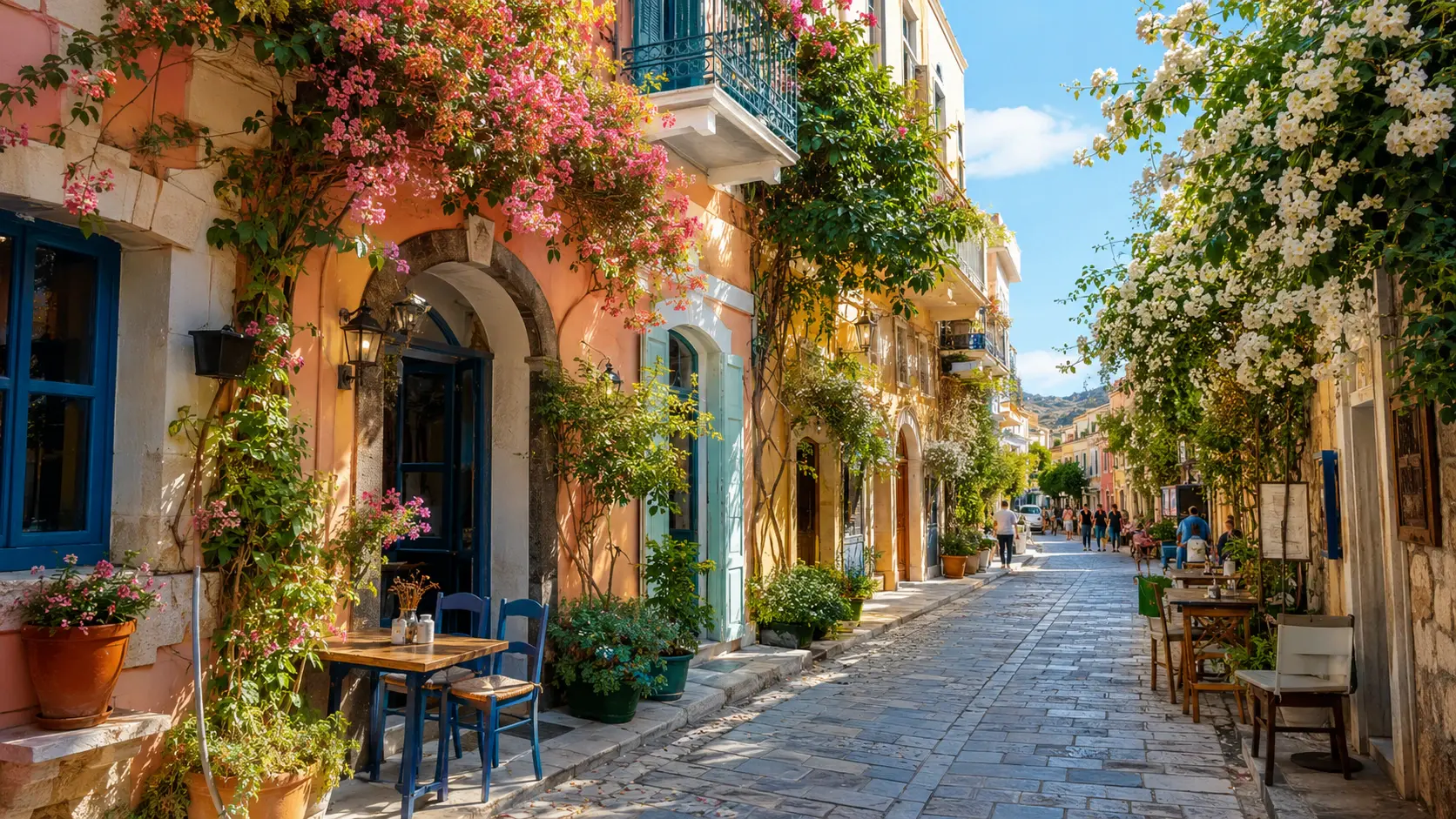

How to Enhance
Photo Quality Online with AI
Upload a supported photo, confirm the enhancement settings and credit cost, then compare the result with the original before downloading.
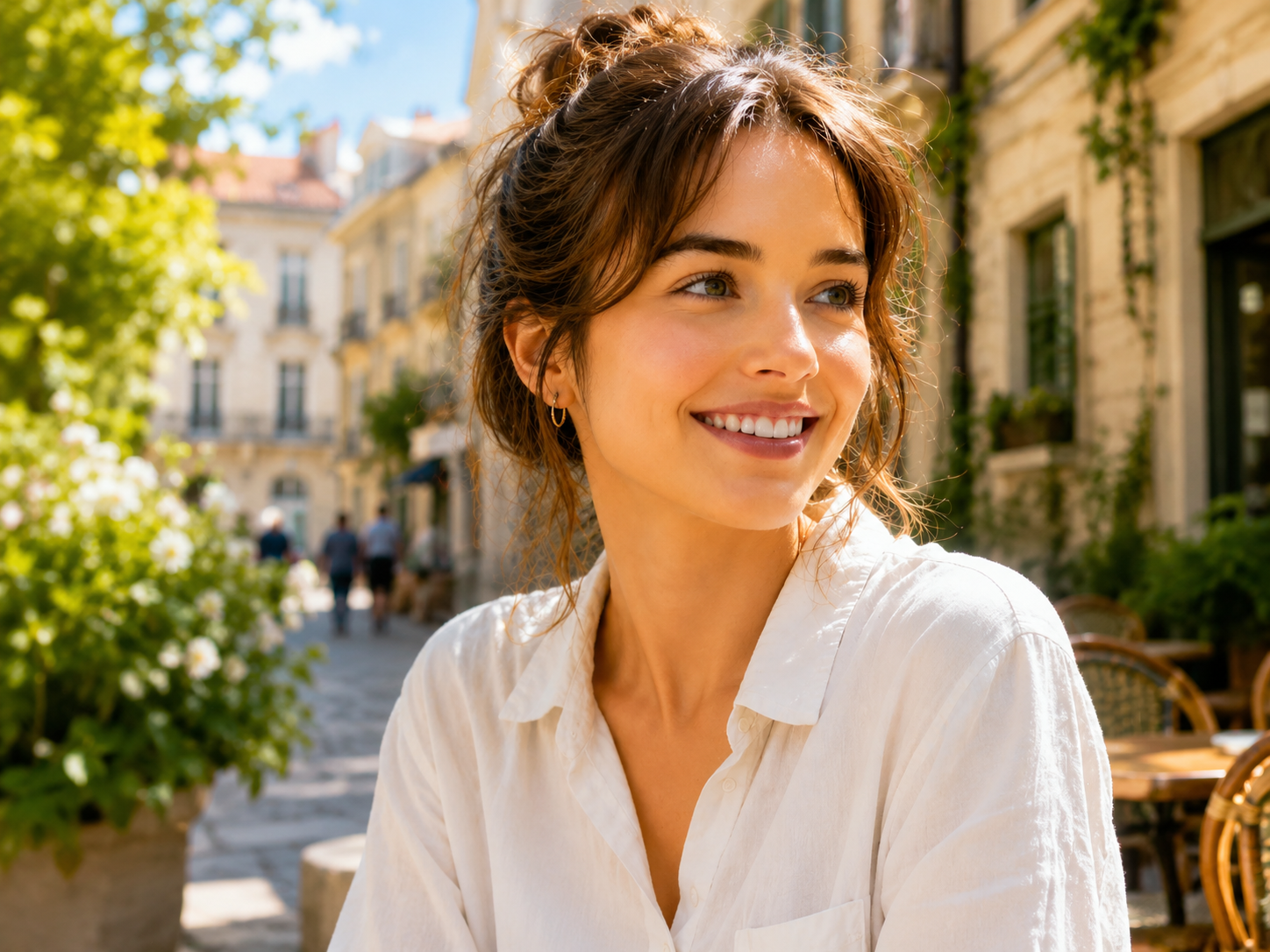
What is an AI photo enhancer?
MyEnhancer Photo Enhancer improves visible clarity, noise, lighting and color balance in a photo. Use Image Upscaler when you need larger pixel dimensions. AI may alter fine details, so compare the result with your original before saving.
Processing versions and credits
| Version | Processing copy | Credits per image |
|---|---|---|
| Standard | Up to 2 MPLong edge ≤2560 px; short edge ≤1440 px. | 4 credits |
| Pro | Up to 24 MP | 6 credits |
The table describes processing versions, not subscription plans. Guest upscaling has a fixed 4-credit cost; check the tool’s quote before starting.
- Output and limits
- Enhancement does not promise larger pixel dimensions or exact preservation of every detail. Check the completed image’s dimensions, faces, text and edges.
Output is capped at 24 MP. This is a limit, not a promised output size or a guarantee of unchanged dimensions.
Image-restoration research distinguishes perceptual realism from reconstruction accuracy. Blau & Michaeli, The Perception-Distortion Tradeoff (CVPR 2018). This is research background, not a quality test of this tool.
- Import and download
- Import static images up to 32 MiB / 100 MP. A processing copy is automatically resized to the selected version and kept within 10 MiB. Download PNG, JPG or WebP.
- Free credits and paid options
- Available daily credits cover eligible single-image Standard processing. Sign in for restoration, colorization and options beyond guest Enhance, 2× Upscale and Unblur. Pro and batches require purchased or subscription credits.
Where guest access is enabled, daily credits cover Standard Enhance, Standard 2× Upscale and Standard Unblur without signing up, including result download. Guest and account usage share the daily allowance; region, network and service limits apply.
Sample comparison and limits
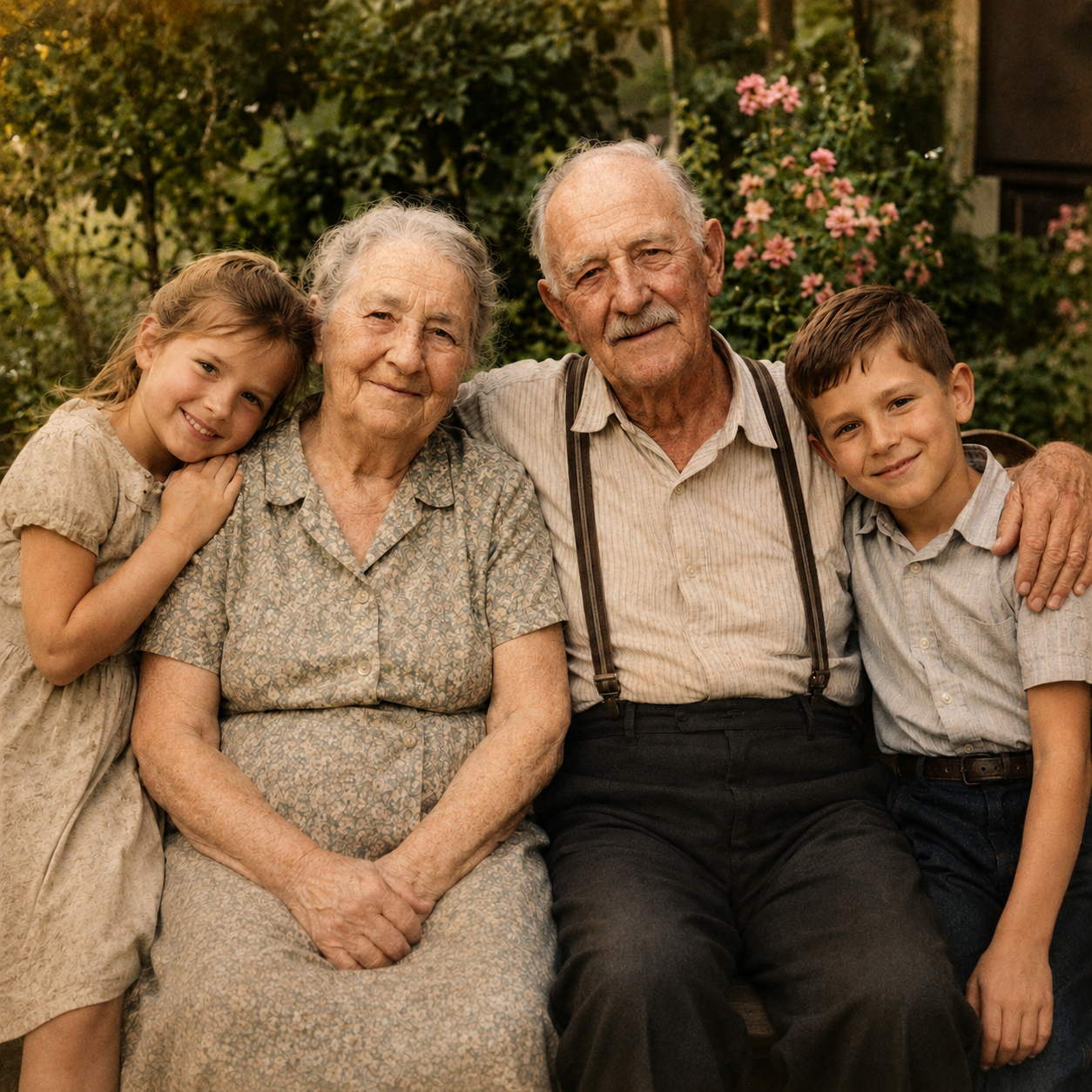
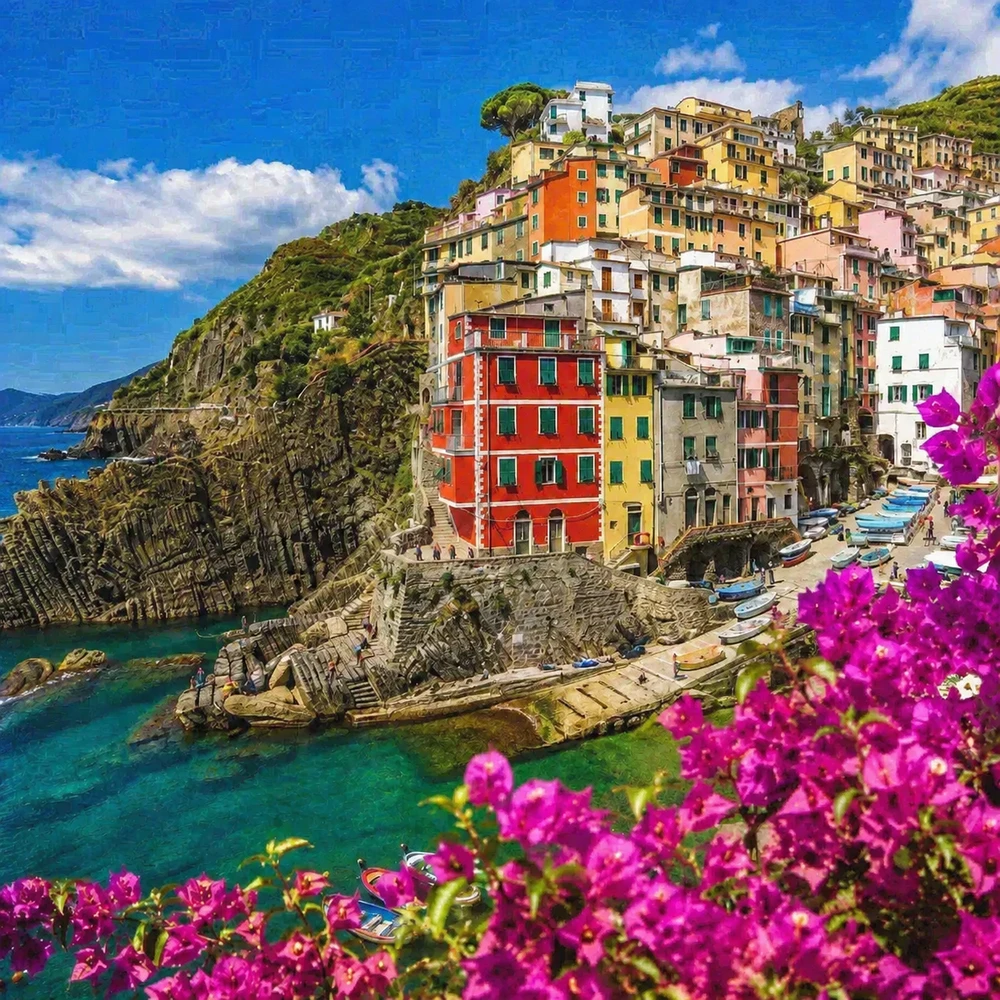
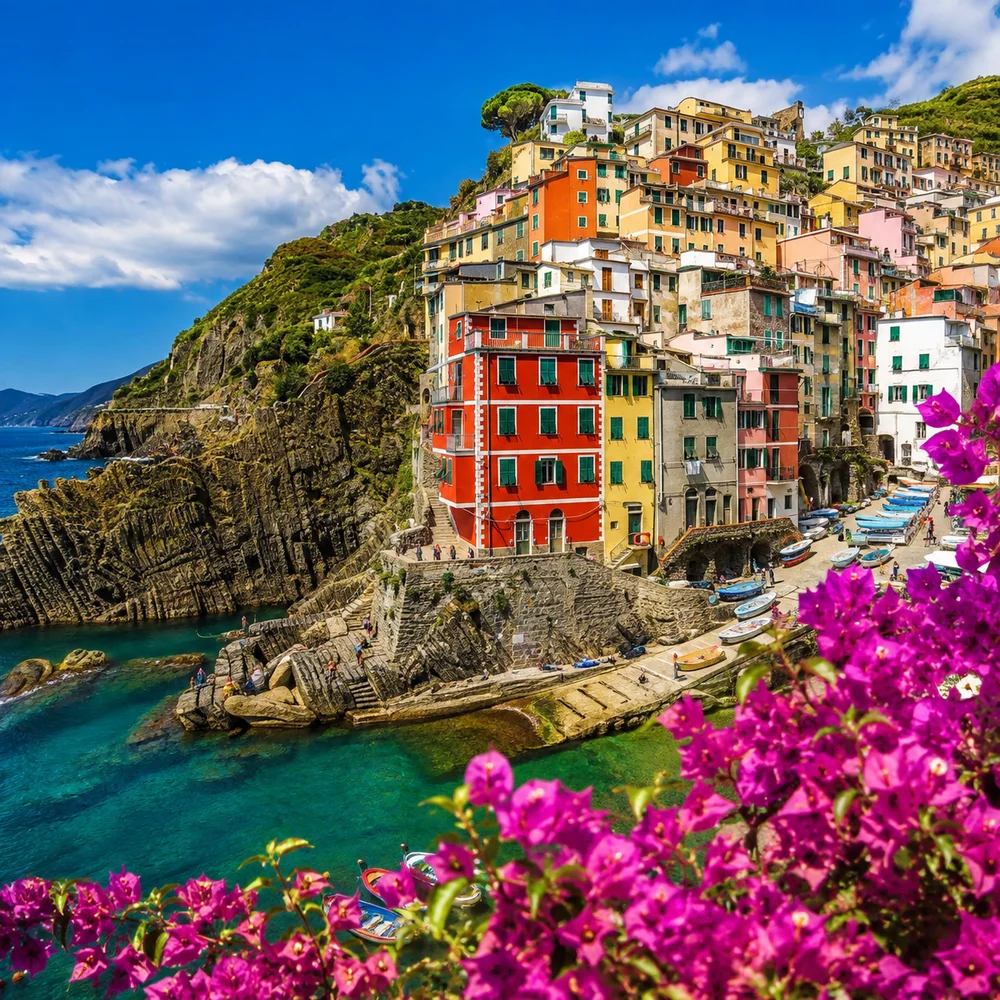
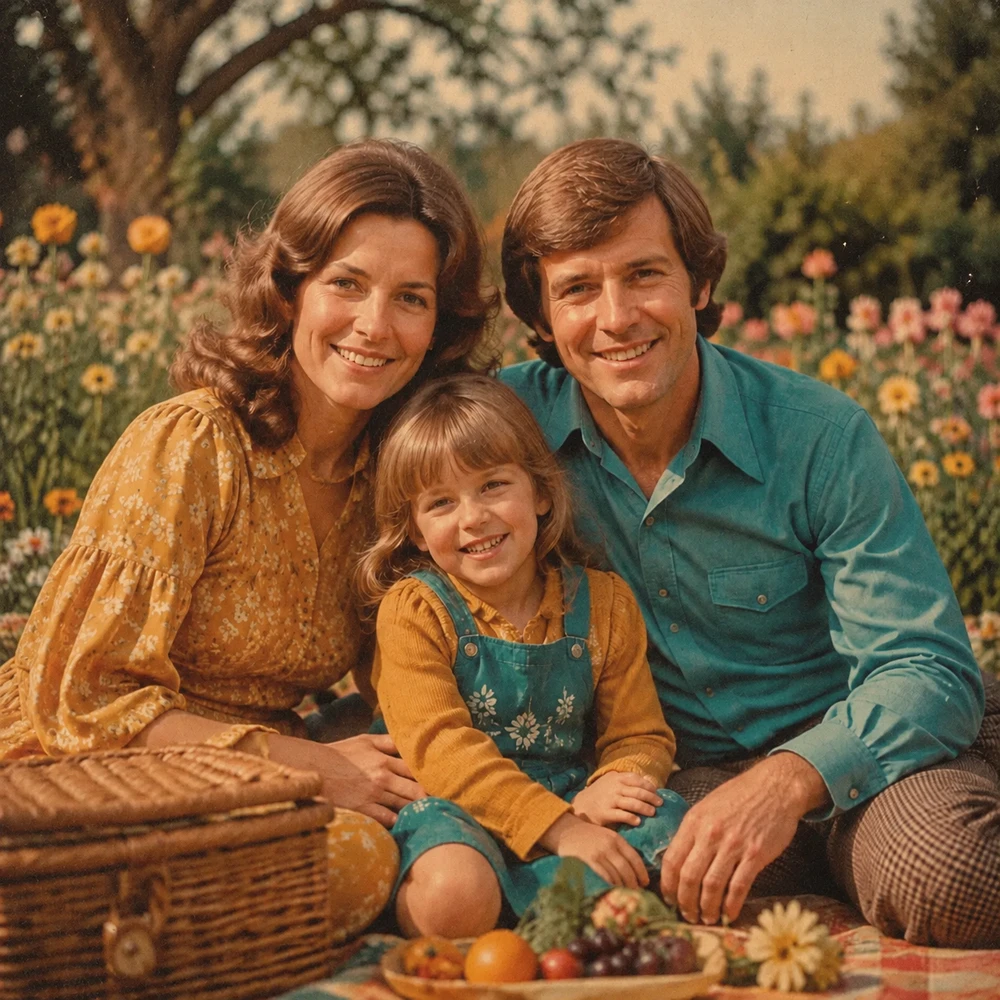
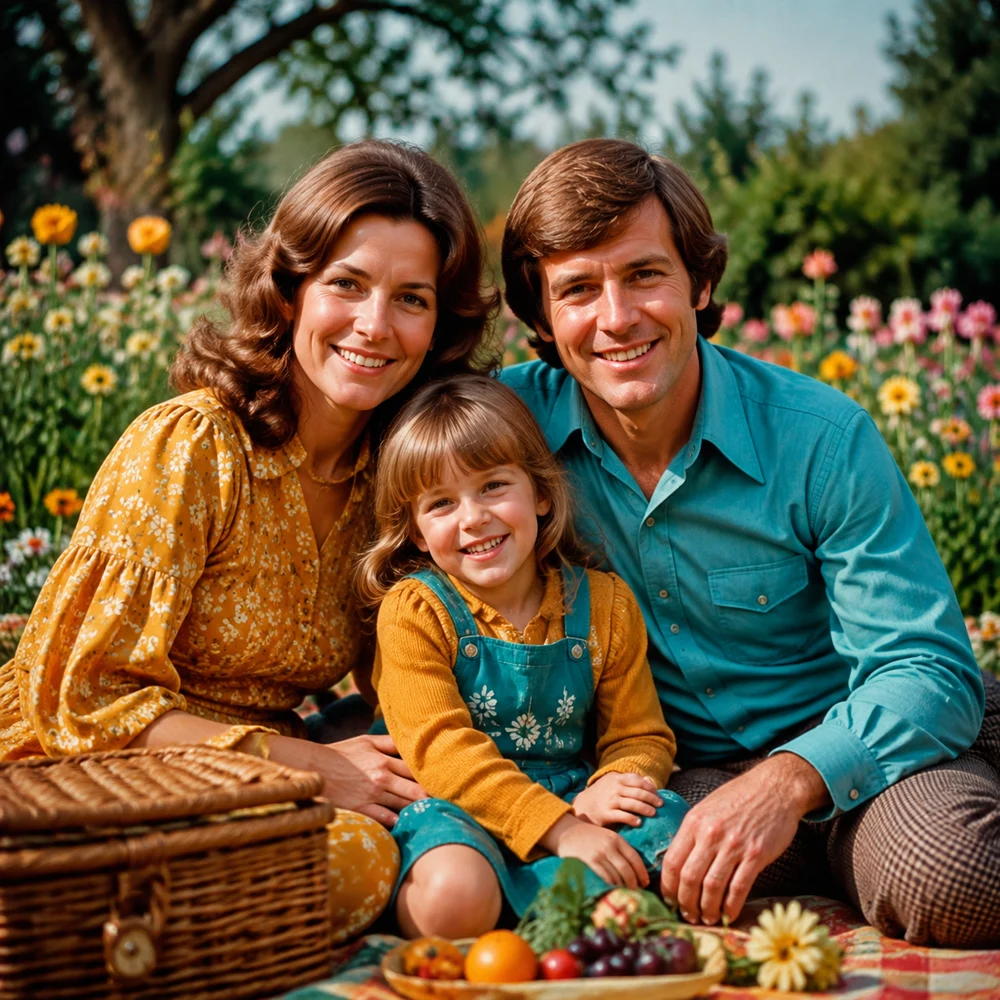
Photo comparison
Everyday photo enhancement
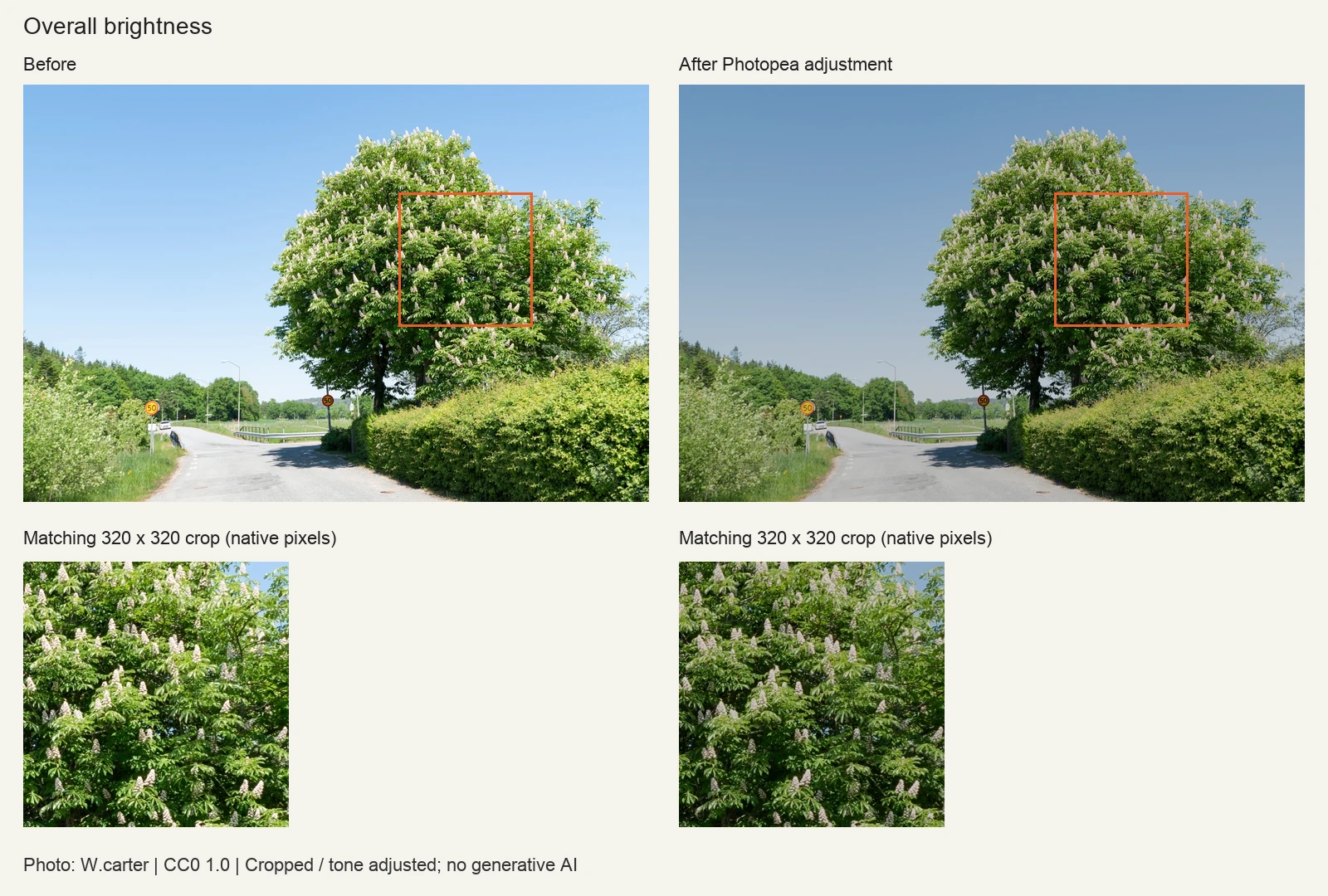
Inspect skin texture, fine edges and noise. More apparent sharpness does not establish that newly visible detail is authentic.
Results vary with the source photo. Use the same zoom on both images to compare fine details.


What Can This Image Enhancer Improve?
Use this image enhancer when a photo looks soft, noisy, compressed or poorly balanced. The AI image enhancer analyzes clarity, lighting and color so you can improve image quality without manually editing each setting.
Actual results vary by source image.
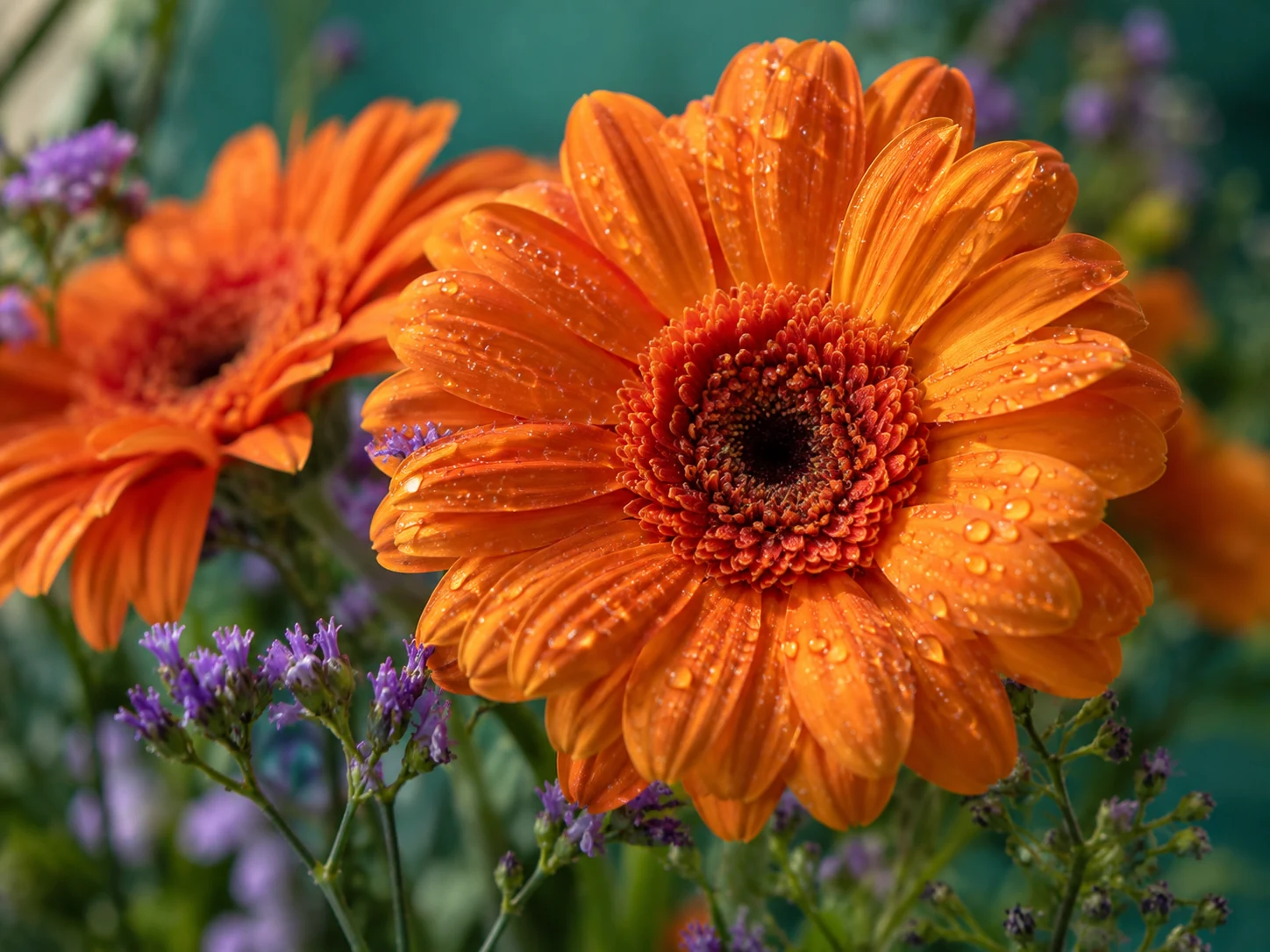
Image clarity for soft detail
Improve fine-detail definition while aiming to keep the main composition recognizable. AI may still change local details.


Lighting and tonal balance
Improve picture quality by balancing exposure, contrast and shadow detail while keeping the scene recognizable.
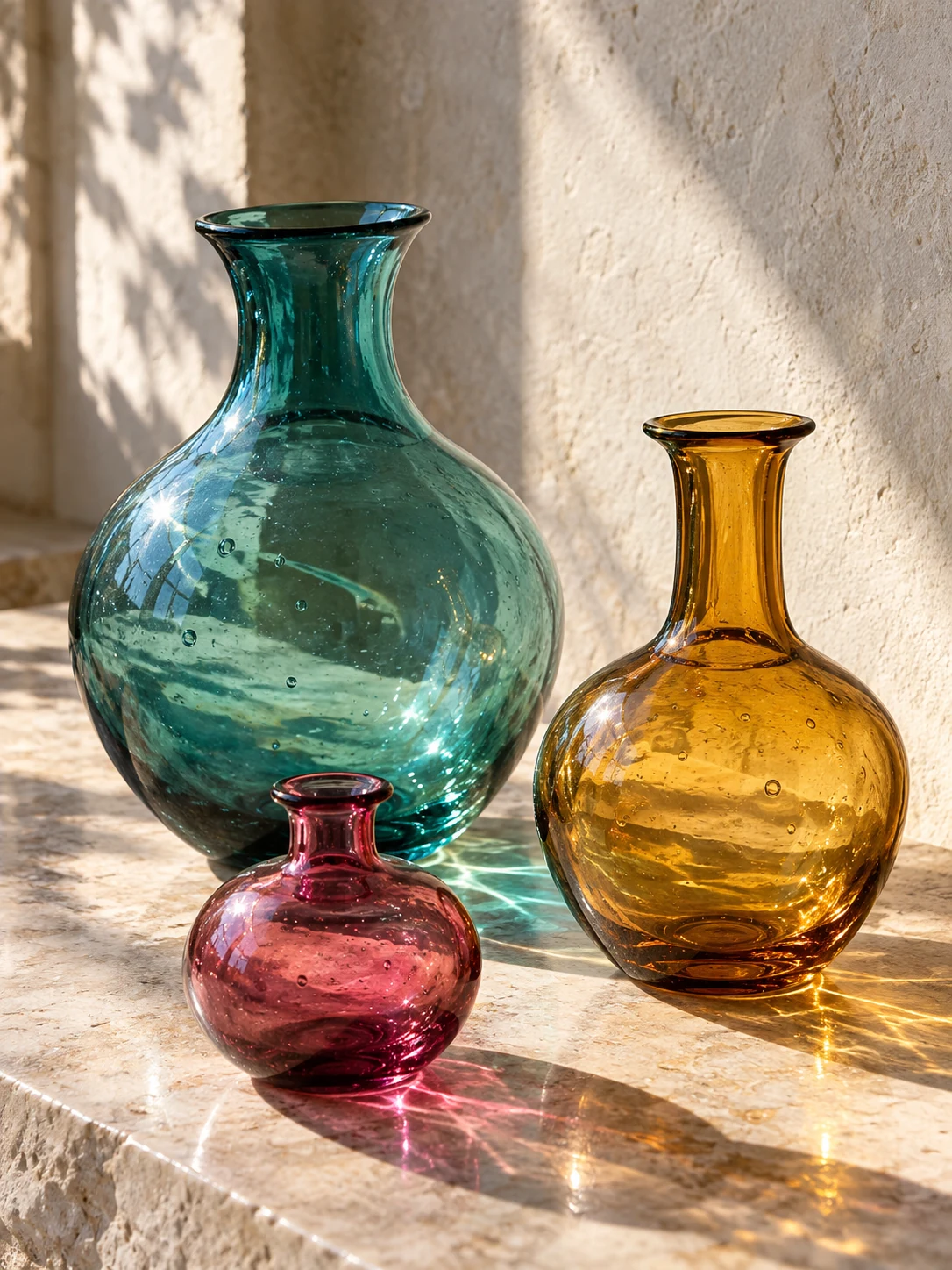
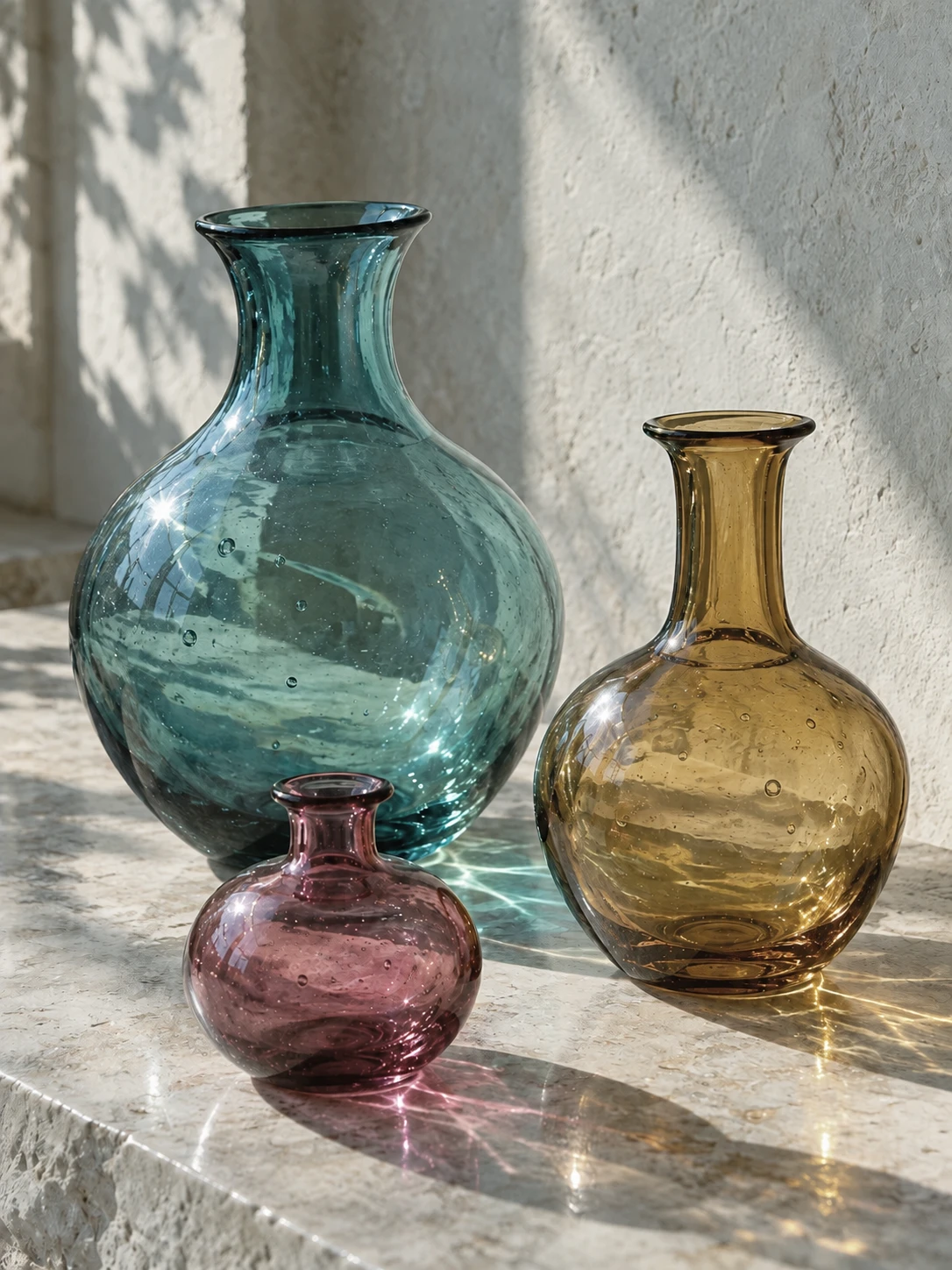
Visible noise and compression
Reduce distracting grain and compression artifacts that make everyday photos look rough.
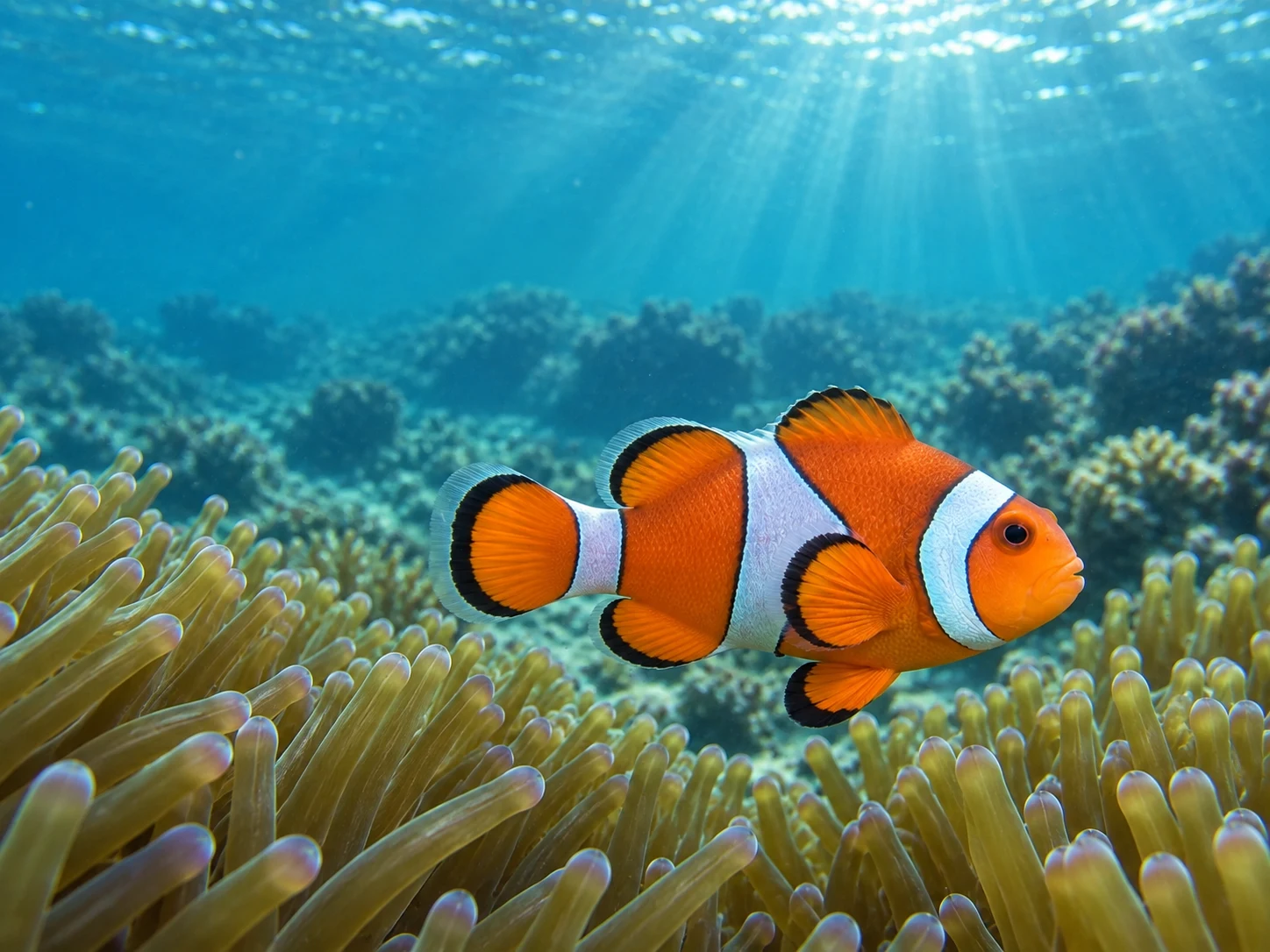
Natural-looking color
Correct muted or uneven color conservatively instead of applying a dramatic filter.
More Photo Tools for Specific Problems
Use the AI photo enhancer for overall quality. Choose a dedicated tool when the main task is resolution, supported blur or old-photo damage.





Free AI Photo Enhancer: What You Get Without Signing Up
Use our free photo enhancer for single-image Standard enhancement and downloads with daily free credits. Pro and batch processing require paid credits.
- Explore examples and processing costs
- See the task cost before processing
- Technical failures restore Credits
Start with the photo in front of you
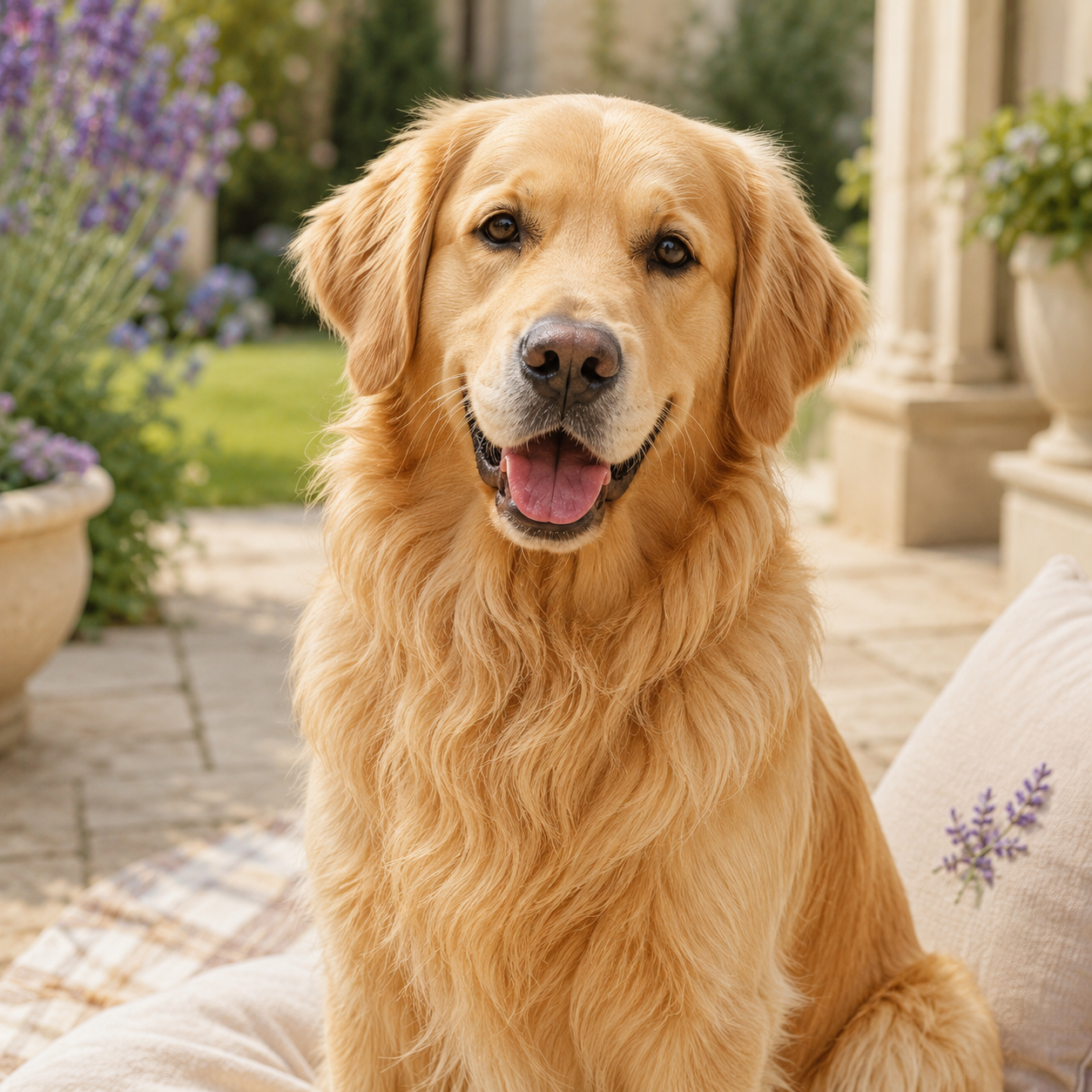
Choose a tool for the changes your photo needs, then check the result for important details such as facial features and text.


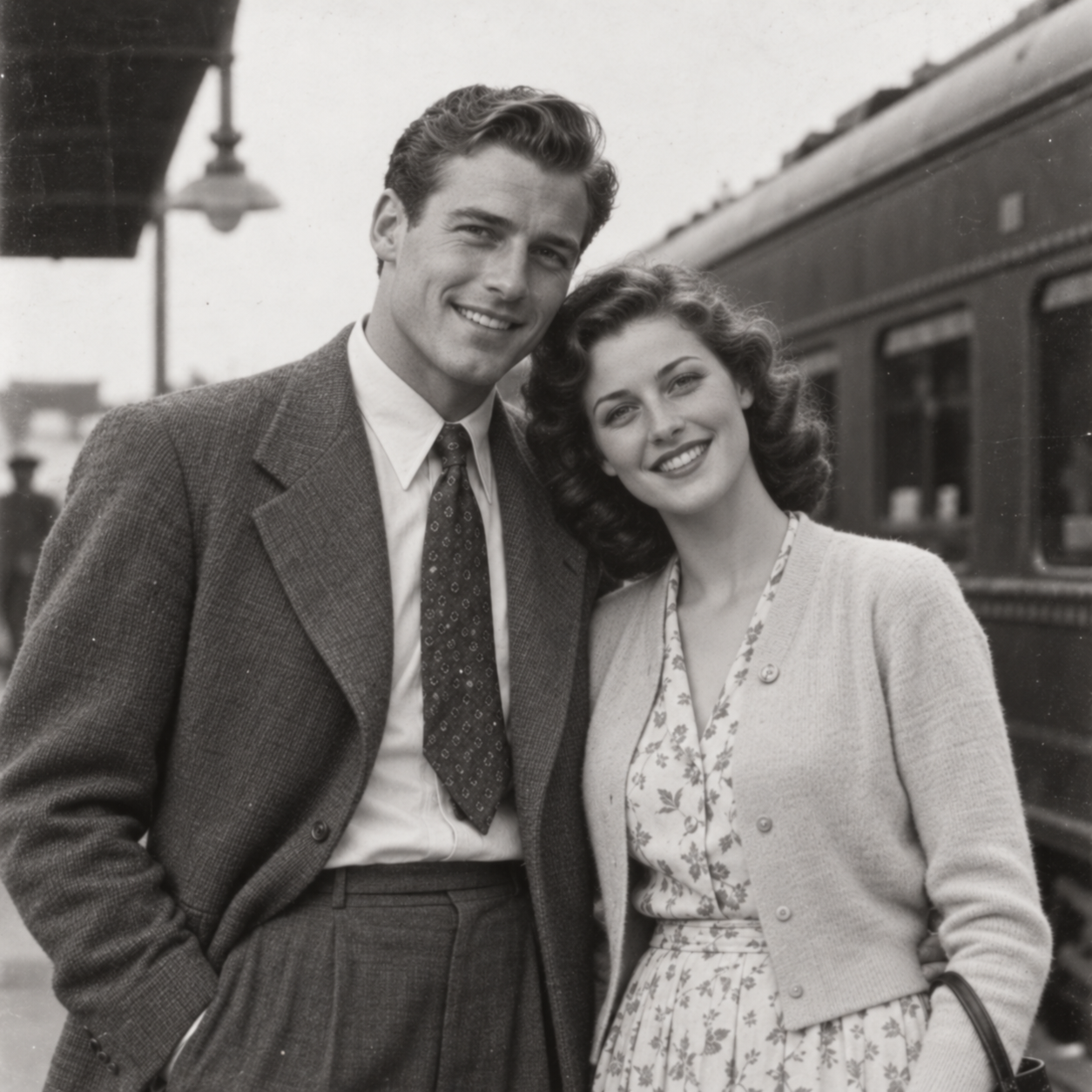
Everyday photos and portraits
Balance clarity, noise, light and color while keeping the original composition recognizable.
Enhance this photo
Products, social content and high-resolution output
Upscale by 2× or 4× as needed, with output dimensions visible before processing.
Open image upscaler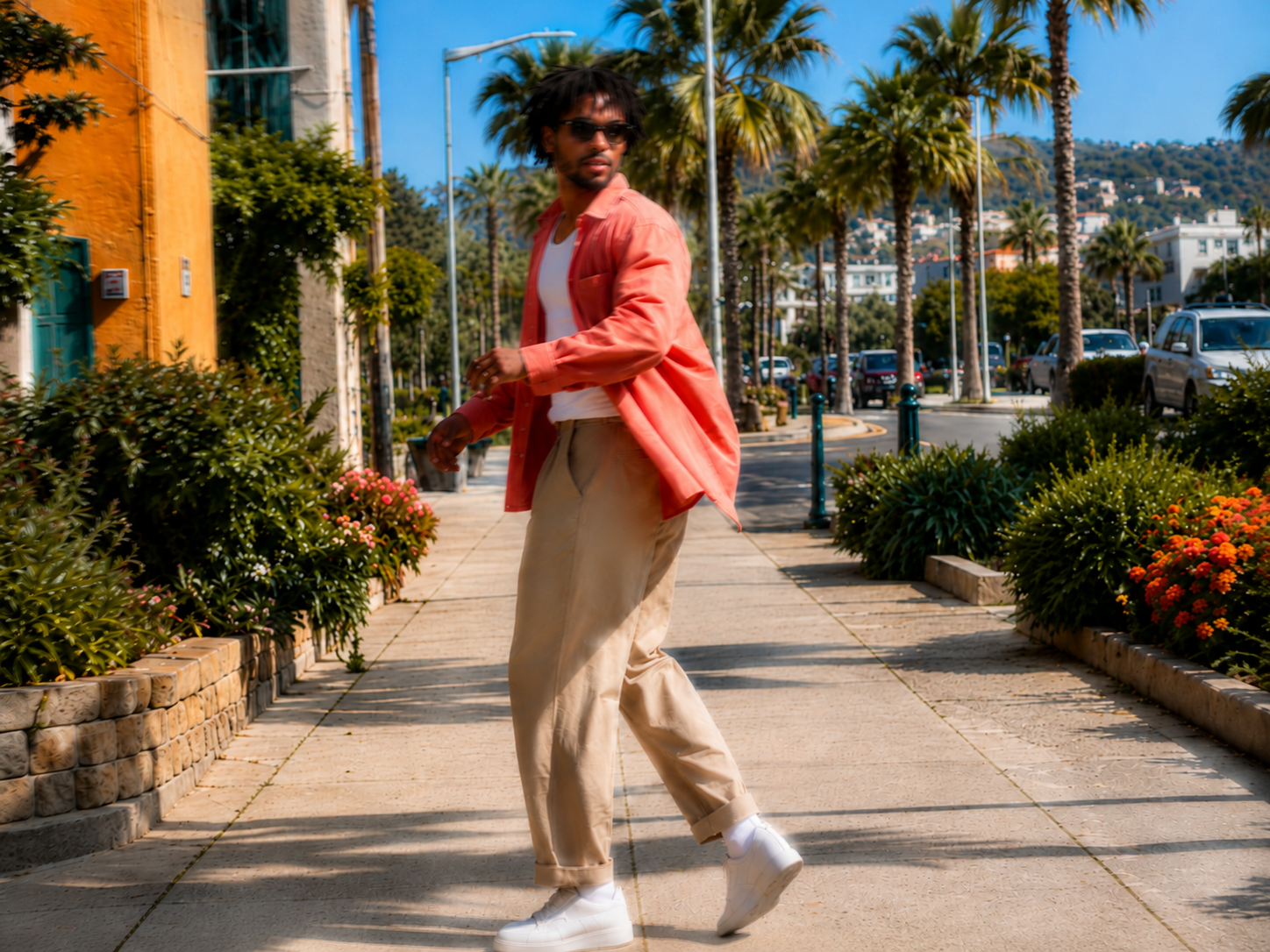 Original
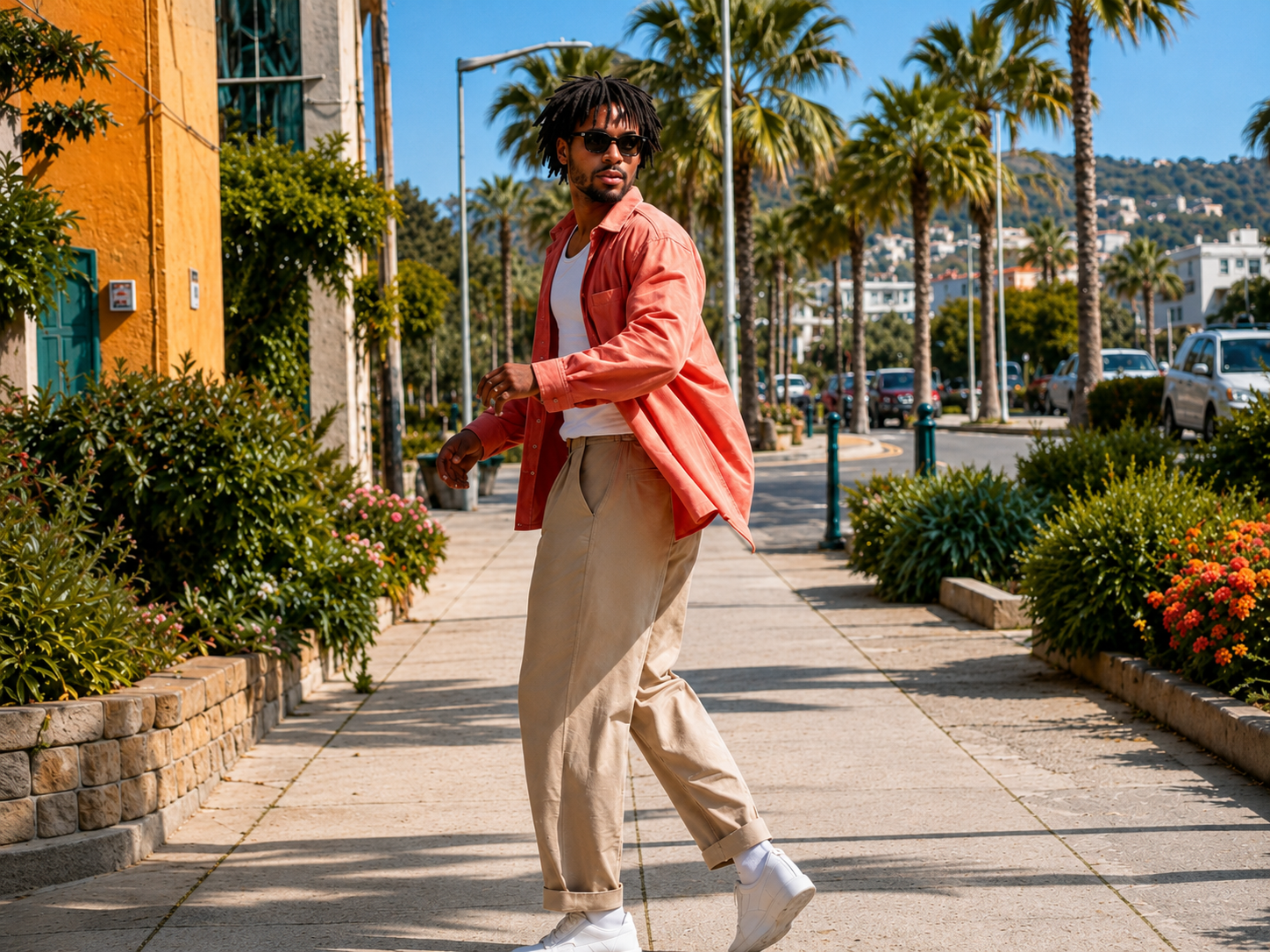 Result
Soft or mildly blurred images
Run automatic deblurring, then inspect identity, lettering and edges for reconstructed detail.
Open unblur tool Result
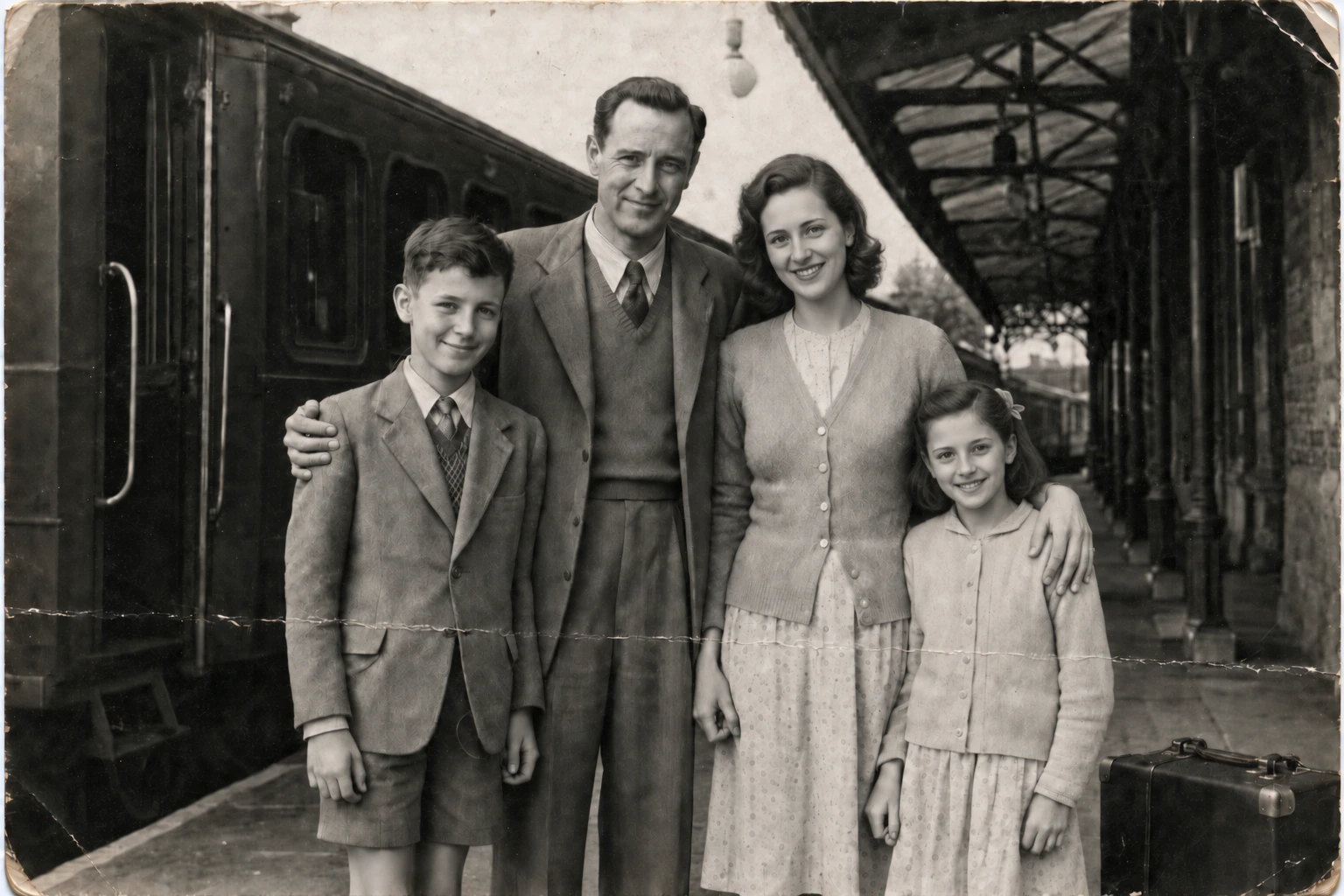
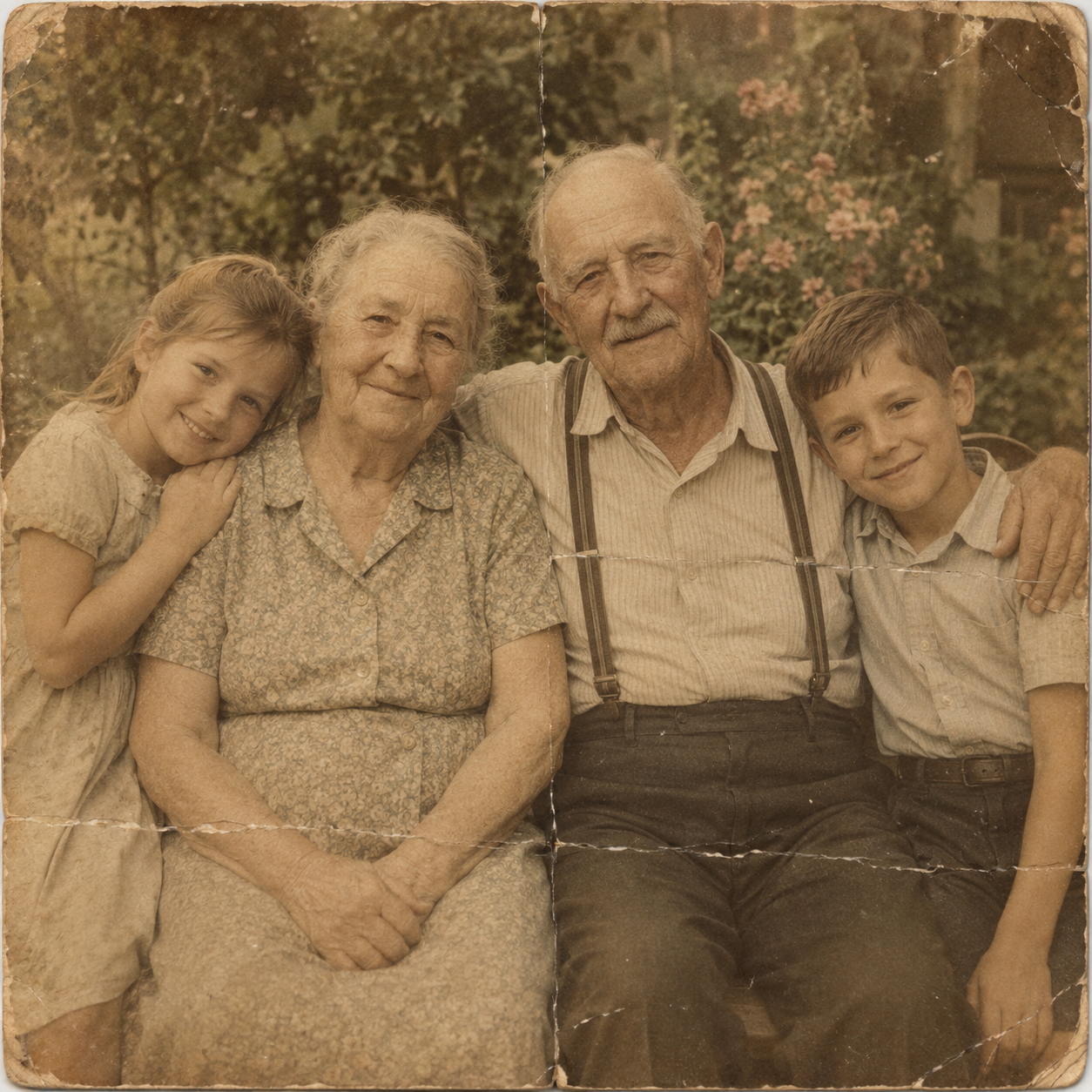
Old family photos and scans
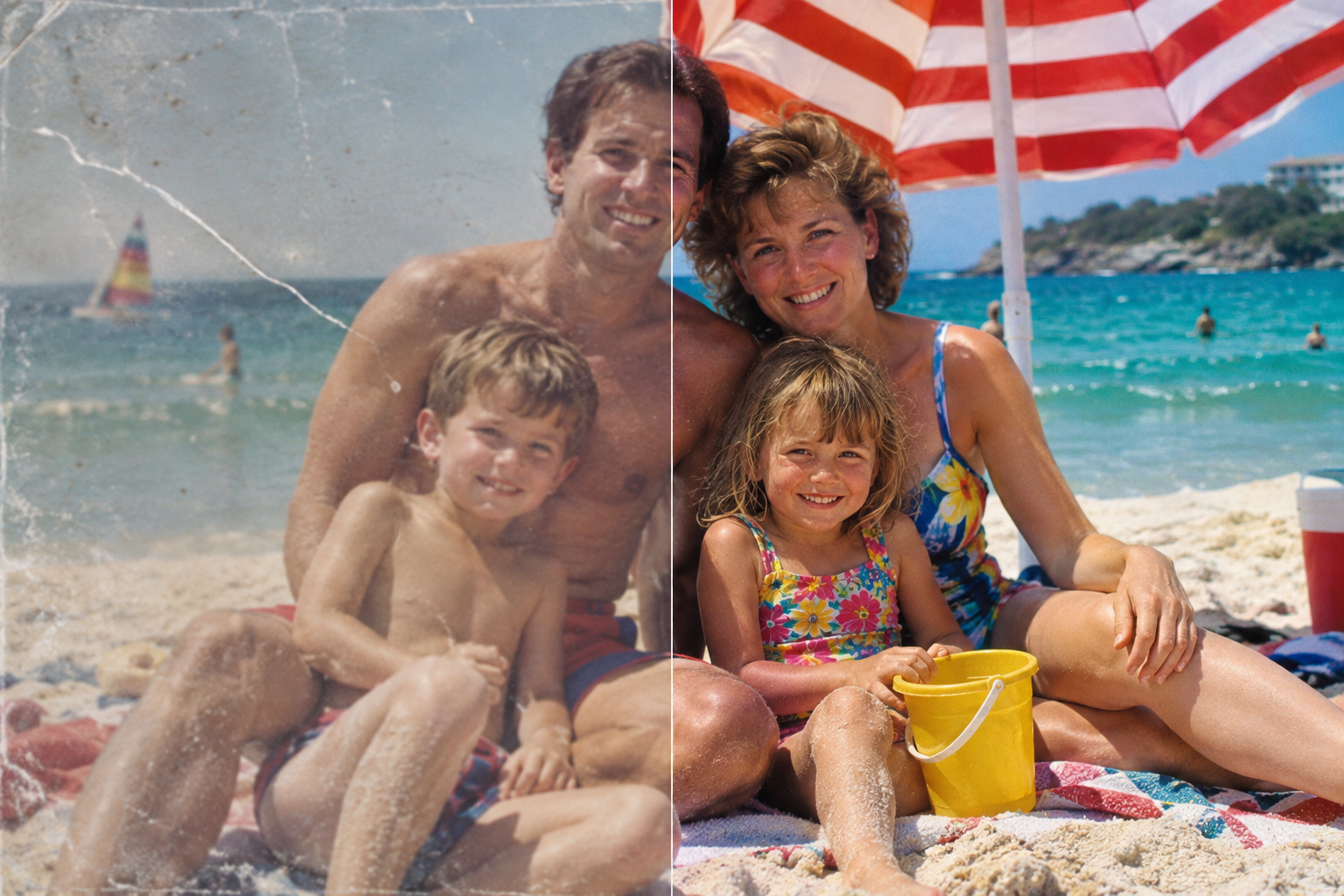
Repair supported dust, scratches and surface wear. Choose Pro for optional faded-color repair.
Open restoration toolThoughtful enhancement, with your original to compare
Photo Quality Enhancer: What Changes in Your Photo
Clearer-looking results, with details to review
The online photo enhancer aims to retain the original style, shows Credits before processing, keeps photos out of public galleries and returns task credits after technical failures.


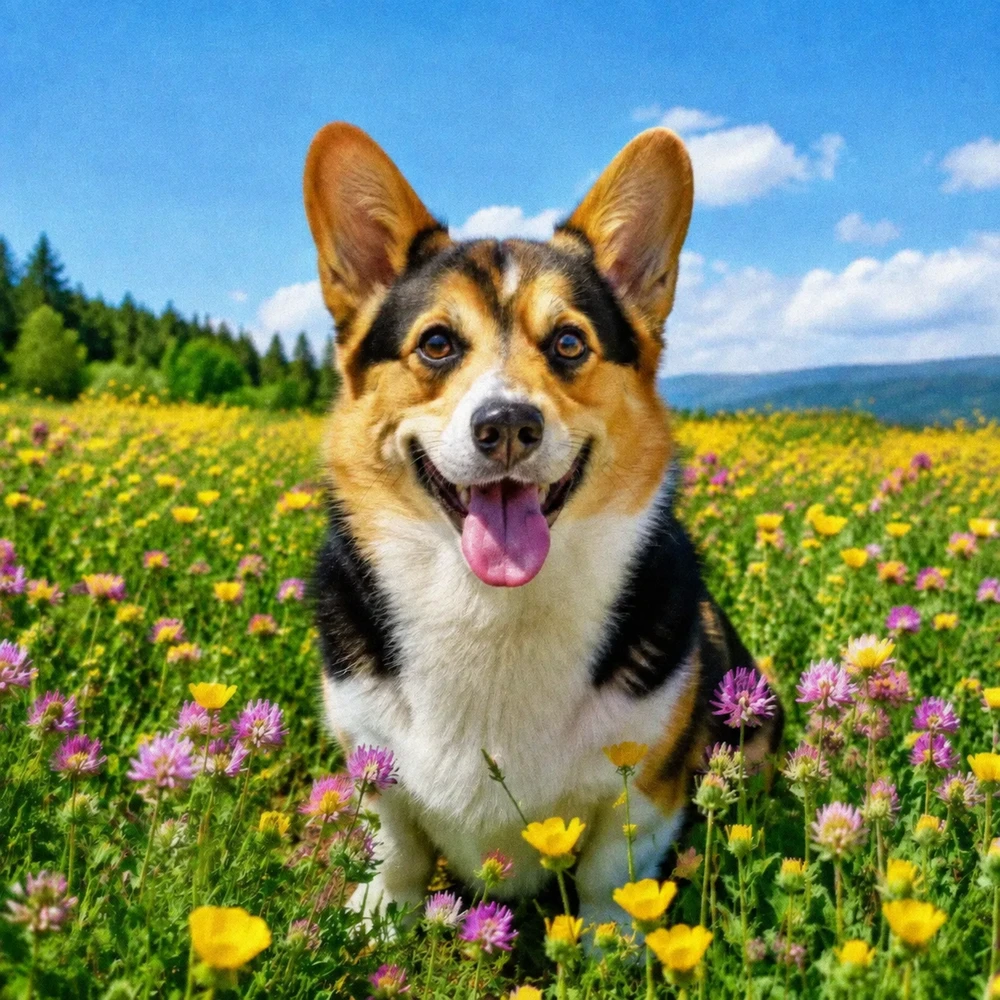
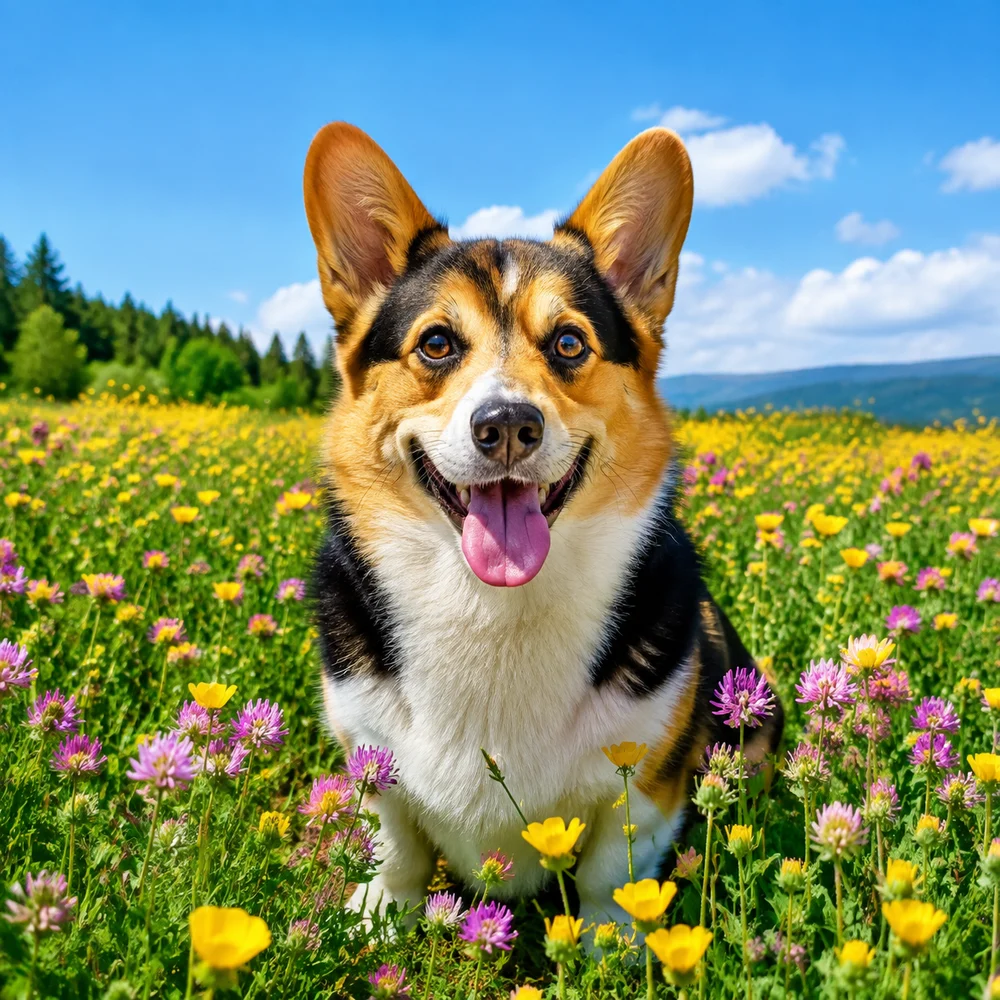


Natural-looking by default
The photo enhancer starts conservatively so clarity, tone and color do not overwhelm the character of the original photo.
Your photo privacy
Your photos are uploaded securely and are not published to a public gallery.
Clear Credits before action
Every tool displays its task cost, current balance and relevant limits before you confirm processing.
Technical failure restores Credits
If a task cannot start or fails because of a technical problem, the credits used for that task are automatically returned.
Photo Enhancement Guides
Learn how to improve image quality, compare enhancement with upscaling, and inspect the details that matter.

AI Photo Enhancer FAQ
What the online photo enhancer improves, how uploads work, what processing costs and which details still need your review.
Bring your photos back into focus
Improve visible clarity, then compare the result with your original before saving.
Upload a photo to enhance